


What Should You Check When a YT1s Download Has No Sound?
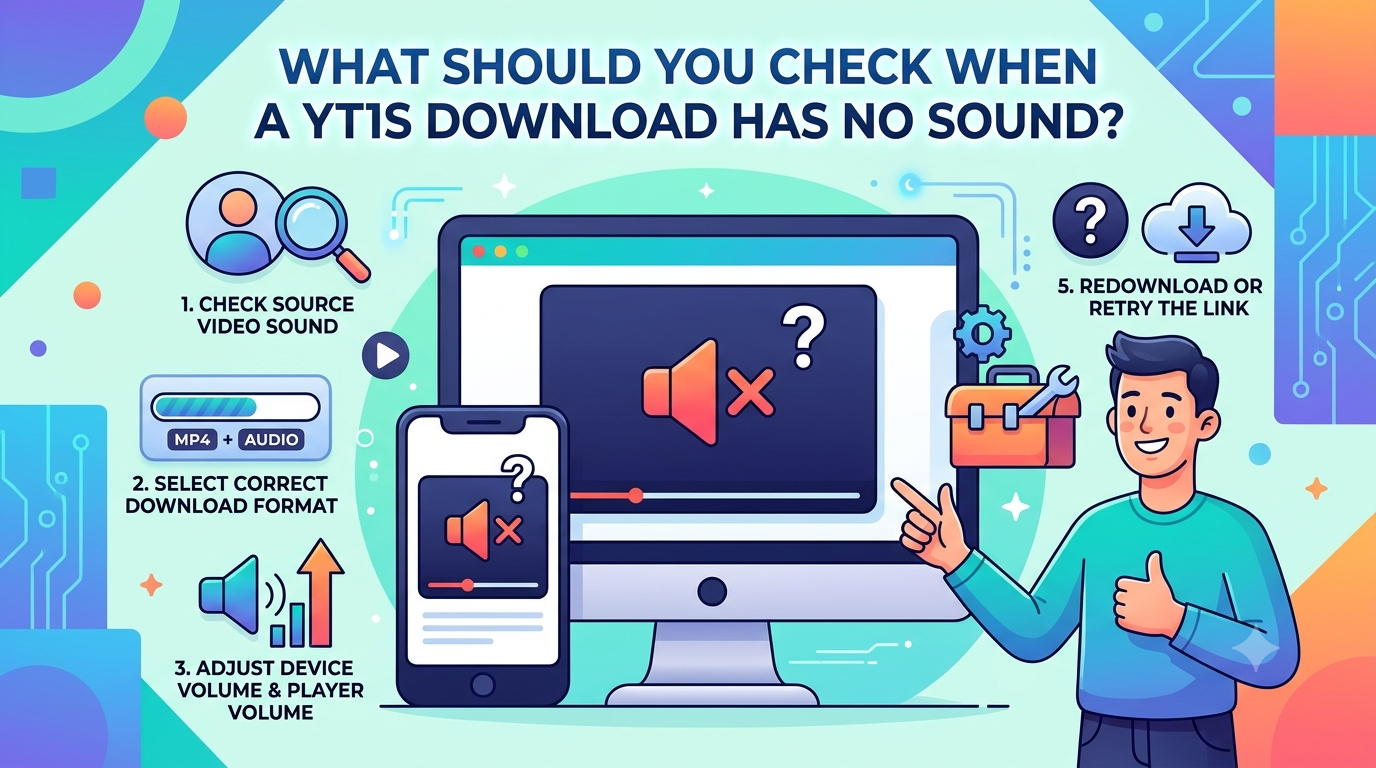
Downloading a video or audio file can be irritating when it plays without sound. You may notice the video playing smoothly, but hear nothing through your speakers or headphones. This issue can happen because of inappropriate settings, unsupported file formats, muted audio, or an issue with the original media.
When using a YouTube to MP3 converter, users often expect the saved audio to play correctly on their devices. However, sometimes saving video through YT1s creates no sound because of an incomplete file or playback issues. Analyzing a few basic details can help you understand the cause before trying again.
1. Check Your Device Volume and Sound Settings
Start with the simplest possible cause. Your device or media player may be muted, even if the video appears to work normally.
Check these settings:
- Increase the device's volume.
- Make sure the media player is not muted.
- Check whether sound is being sent to the correct speaker or headphones.
- Disconnect and reconnect Bluetooth headphones if necessary.
- Try playing another video or audio file.
If other files also have no sound, the problem may be with your device rather than the downloaded file.
2. Check the Downloaded File
If the file is incomplete or damaged, the audio may not be played back properly. This can happen if the download is interrupted, if the connection is unstable or if the processing service returns an error.
Check file size and duration. If the file size is abnormally small or closes before the original media, the file may not have downloaded in its entirety.
If you suspect an incomplete file, delete the damaged copy and attempt to obtain a new one from an authorized source.
3. Confirm the Selected File Format
Different file formats have different uses. MP3 is audio, MP4 usually has both video and audio.
If you tried to save a video but chose an audio-only option, then you won't get a picture. Another reason for the lack of an audio track could be a video file that is poorly processed.
Check the file extension and ensure your media player can support the format. Changing a file extension doesn't change the file's actual format, so if you need to change the format, use a trusted conversion tool.
4. Check the YT1s Processing Result
When using a YT1s related conversion service, the selected format and available source can affect the final file. Sometimes, a processing error may produce an incomplete result.
If the file has no sound, consider these checks:
- Confirm that you selected the correct output format.
- Check whether the original video contains audio.
- Make sure the processing step finished successfully.
- Compare the saved file with the original media.
- Avoid repeatedly downloading the same faulty result without checking the cause.
If the original video also has no sound, the issue may not be related to the conversion process.
5. Try Another Media Player
Sometimes, a file contains audio, but the player cannot decode it properly. This may happen because the player is outdated or does not support the audio codec used in the file.
Try opening the file with another reputable media player. If the sound works there, the original player may need an update or different settings.
You can also check whether the audio track is enabled in the player's playback menu.
6. Check for Browser or Internet Problems
If you're using an online service, an unstable connection can interrupt the processing or the transfer of files. A weak connection can sometimes cause an incomplete download.
Check your internet connection by trying to open another website. Or restart your browser, close unnecessary tabs, or try again when the connection is stable.
Such downloads may pose security risks.
How to Prevent No-Sound Problems
A few habits can reduce the chance of encountering this issue:
- Check the original media before processing it.
- Select the correct output format.
- Use a stable internet connection.
- Wait for the process to finish before saving the file.
- Check the downloaded file before deleting the original.
- Use trusted services and updated media players.
Also, save or convert only content you own or have permission to use.
Conclusion
A YT1s download with no sound may result from muted device settings, an incomplete file, an unsupported format, or a problem during processing. First, check your volume. Try a different file, make sure that the downloaded file is in the right format. If that still doesn’t work, try a different media player or check the source. These easy steps can help you identify the cause and enjoy a smoother audio and video experience.

 Arabic
 French
 Spanish
 Portuguese
 Deutsch
 Turkish
 Dutch
 Italiano
 Russian
 Romaian
 Portuguese (Brazil)
 Greek
