


7 Signs Your Business Has Outgrown Its Current CRM
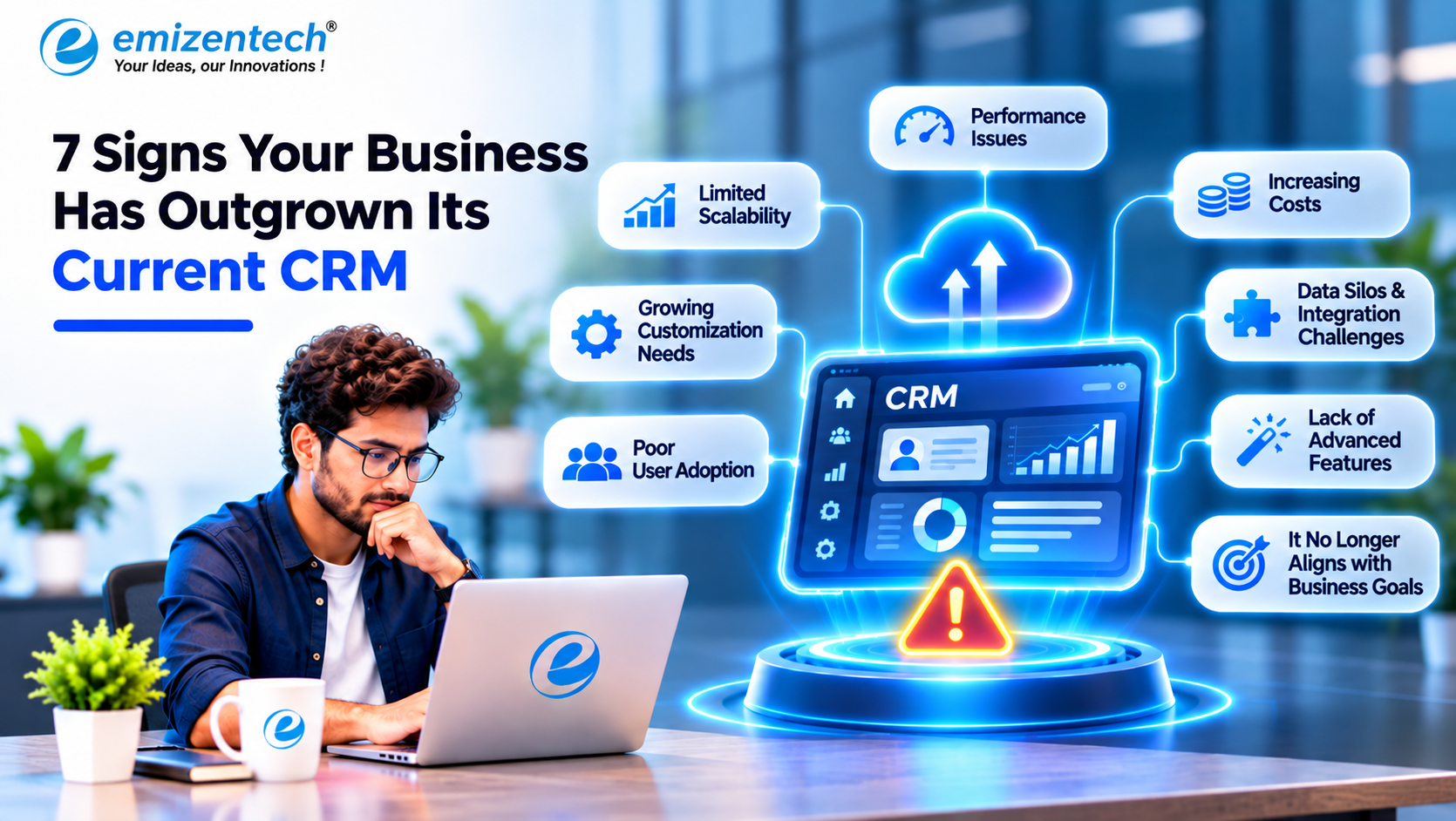
Most CRMs don’t fail. They just get outgrown. The setup that felt perfect when you had eight salespeople and one product starts to creak at forty people and three product lines, and nobody can point to the day it happened.
What you get instead is a pile of small annoyances. A rep says “I’ll just track it on my own sheet.” Someone asks for a report and gets a shrug. You stop noticing because everyone has a workaround. Here are the seven signs I’d watch for, roughly in the order they tend to show up.
1. Everyone keeps a spreadsheet on the side
This is the first red flag, and it’s the easiest one to spot. If your sales reps run their real pipeline in Excel or Google Sheets and only update the CRM when a manager nags them, the CRM isn’t your source of truth anymore. The spreadsheet is.
And reps aren’t being lazy. They do it because the CRM is slow, or missing a field they need, or doesn’t match how their deals actually move. The trouble is that a spreadsheet can’t trigger anything, can’t feed a dashboard, and walks out the door when the person leaves. Your forecast ends up built on whatever people feel like sharing.
2. Every small change turns into a project
You want a custom approval step for discounts. Or a new record type for subscriptions. Or a different screen for the support group than the one sales sees. And the answer keeps coming back as “the platform can’t do that” or “we’ll need to raise a ticket.”
Configuration only goes so far. Past that point you need someone who can write code against the platform, and that’s usually when it makes sense to hire CRM developer help instead of ripping everything out. A developer can build custom modules, workflows and API connections on top of what you already have. Salesforce, Zoho, Creatio, Dynamics 365, HubSpot and Odoo are all built to be extended like this. Replacing a system because of one missing feature is often overkill, and an expensive way to learn that.
3. Your tools don’t talk to each other
Think about how many systems touch a single customer: email, billing, support, your online store, maybe an ERP. If the CRM isn’t connected to those, someone is exporting CSV files on a Friday afternoon and pasting data from one tab into another.
I’ve seen this go wrong in boring, costly ways. Sales chases an invoice that finance already marked paid. Support has no idea a client is mid-renewal. Marketing can’t say which leads ever turned into customers. A connected setup syncs that data through APIs, webhooks or middleware. A disconnected one runs on someone’s patience.
4. You don’t trust your own reports
At the start, “deals by stage” is plenty. Later you want to know which lead sources bring in the best customers, where deals get stuck, and which accounts are drifting toward cancelling. If answering any of that means exporting data and rebuilding a report by hand, the reporting has been outgrown.
Worse is when people stop believing the numbers. Two managers show up to a meeting with two different totals, and the argument isn’t about strategy, it’s about whose data is right. That usually traces back to duplicate records, inconsistent fields, or syncs that quietly broke months ago. Cleaning that up is dull work, but forecasts are worthless without it.
5. It’s slow, and people have stopped using it
Pages take ages to load. Search lags. Entering a simple note takes six clicks. This stuff builds up over time through piles of old data, heavy customizations and integrations nobody ever tuned. Everyone also sees the same cluttered screen, whether they’re a rep, a support agent or an accountant.
Adoption is the tell. When people log calls two days late, skip fields, or avoid the tool until someone asks for a report, the data gets thinner and the CRM gets less useful for everyone, which makes people avoid it even more. Before blaming the users, ask whether the system is making their job harder. Often it is. Performance tuning and role-based layouts can fix more than you’d expect.
6. Too much is still done by hand
Growth should make each customer cheaper to serve, not more expensive. If leads are still assigned manually, follow-ups depend on someone’s memory and approvals live in email threads, your CRM is working as a filing cabinet.
Automation handles the boring part: routing leads, creating tasks, sending reminders, updating statuses. On top of that you can add lead scoring, churn prediction or drafted follow-up emails. Platforms ship their own versions, like Salesforce Einstein, Microsoft Copilot, Zoho Zia and HubSpot Breeze. A word of caution, though. These features are only as good as the data under them. Feed them messy records and you’ll get confident nonsense.
7. Security and access are getting uncomfortable
A CRM quietly collects sensitive stuff over the years: contact details, contracts, payment info, sometimes health or financial records. If every user can see and export everything, or you can’t tell who changed a record last week, that’s a problem waiting to happen.
Rules matter too. Depending on where you operate, GDPR or the Australian Privacy Act affect how data gets stored and deleted. Try this test: could you say, right now, who can export your full customer list? If not, look at your permissions, authentication, backups and API security.
So what now?
Seeing two or three of these doesn’t mean you need a new CRM. You’ve basically got three options:
- Tidy up. Clean the data, speed things up, fix layouts and dashboards.
- Extend. Add custom modules, integrations, automations or AI features to what you have.
- Move. Switch platforms, which makes sense only when the foundation itself is the limit. Do it carefully, with field mapping, data cleansing, a test run and checks afterward.
Cost is usually the next question. The figures on the service page are $20–$35 an hour for audits and small fixes, from about $2,800 a month for a full-time developer (160 hours), and custom pricing for a bigger delivery squad. Your real number depends on scope and platform, so use those as a rough starting point.
Conclusion
Outgrowing a CRM is a sign you’ve grown, which isn’t a bad problem to have. Side spreadsheets, slow changes, disconnected tools, shaky reports, sluggish performance, manual busywork and loose security are all worth acting on before they cost you real money. Start by watching how people actually use the system. Then decide whether to tidy, extend or move. If you want outside help with the engineering side, EmizenTech offers hourly, dedicated and team-based options. Pick whatever fits, as long as the CRM ends up working for your people instead of the other way around.
FAQs
1. How do I know whether I need a new CRM or just upgrades?
If the complaints are about speed, layouts or a few missing fields, upgrades usually do the job. If the platform can’t handle your processes, integrations or security needs at all, moving is worth thinking about.
2. What does a CRM developer actually do?
They build, customize, connect and maintain CRM software. That covers custom modules, workflows, APIs, dashboards, automation and performance fixes.
3. How much does it cost to hire a CRM developer?
According to the service page, hourly work runs $20–$35, and a full-time dedicated developer starts around $2,800 a month. Larger delivery squads are priced case by case.
4. Can AI features be added to a CRM I already use?
Usually, yes. Lead scoring, automated workflows and drafting assistants can be added to most current platforms, as long as your data is clean enough to support them.
5. Will I lose data if I migrate to a new CRM?
Not if it’s done properly. A careful migration includes data review, field mapping, cleansing, backups, a test run, and checks afterward so records and relationships stay intact.

 Arabic
 French
 Spanish
 Portuguese
 Deutsch
 Turkish
 Dutch
 Italiano
 Russian
 Romaian
 Portuguese (Brazil)
 Greek
