


How Generative AI Helps Data Analysts Work Faster?
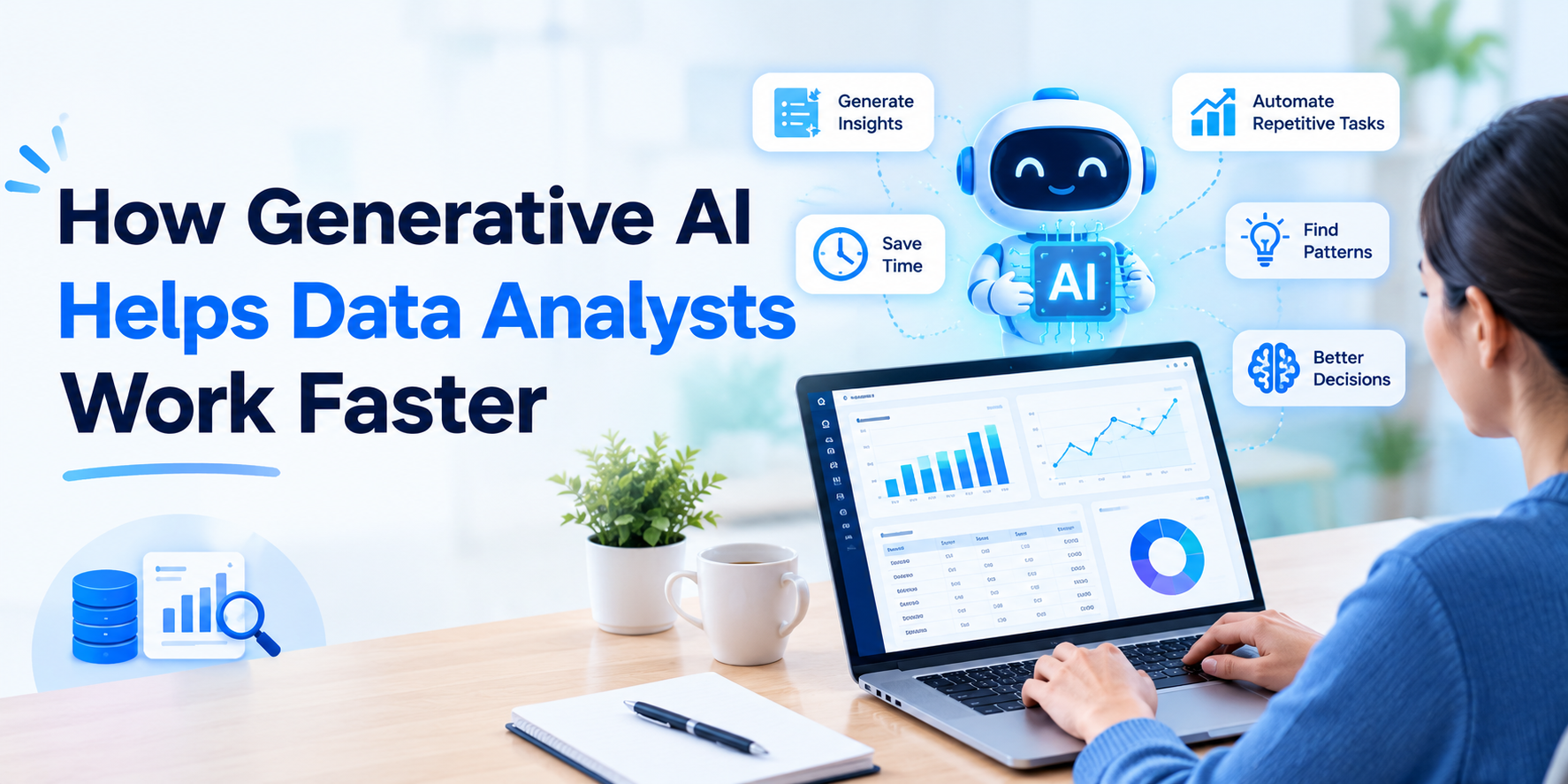
A data analyst's day can involve much more than looking at charts and finding insights. There are SQL queries to write, spreadsheets to clean, datasets to prepare, dashboards to update, reports to summarize, and questions from different teams to answer. Some of these tasks can take hours even when the actual business question is fairly simple.
Generative AI is changing that workflow. Instead of handling every repetitive task manually, analysts can use AI to create first drafts, explore information, write code, summarize findings, and speed up routine work. For anyone learning through a Data Analytics Course in Chennai, understanding how generative AI fits into everyday analytics work can be a valuable addition to traditional skills.
The important point, however, is that AI works best as an assistant. The analyst still needs to understand the data, check the results, and decide what the findings actually mean.
What Is Generative AI in Data Analytics?
Generative AI refers to AI systems that can create new content based on instructions. In data analytics, that can include SQL queries, Python code, summaries, formulas, explanations, charts, and other analytical outputs.
An analyst might type a request such as:
"Compare monthly sales by region and identify the region with the largest decline."
Instead of starting from a blank SQL editor, the analyst can use an AI tool to create a first version of the query.
This doesn't mean the analyst can simply copy the answer and move on. The generated query needs to be checked for the correct tables, joins, filters, calculations, and business definitions.
That combination of AI speed + human validation is where the real benefit comes from.
1. Writing SQL Queries Faster
SQL is one of the most important tools in a data analyst's workflow. But writing every query from scratch can consume a lot of time, especially when the requirement involves multiple joins, filters, subqueries, or window functions.
Generative AI can turn a plain-English requirement into a starting SQL query.
For example:
Business question:
"Show the top five products by revenue for each region this year."
An AI tool can generate an initial query structure.
The analyst can then review it, make corrections, run it against the database, and verify the result.
This is particularly useful when an analyst understands SQL well but wants to reduce the amount of repetitive typing involved.
2. Speeding Up Data Cleaning
You may find missing values, duplicate rows, inconsistent spellings, incorrect date formats, unexpected categories, or columns containing mixed data types. Generative AI can help analysts identify common data-quality issues and create SQL, Python, or spreadsheet formulas to address them.
For example, an analyst could ask AI to create Python code that identifies duplicate customer records or standardizes inconsistent category names.
This can significantly reduce repetitive preparation work. Recent analytics workflows increasingly use AI for tasks such as profiling datasets, handling nulls, standardizing values, and generating validation checks. But there is an important catch: AI can suggest a transformation, while the analyst must decide whether that transformation makes business sense.
Changing "Chennai" and "Madras" into one category might be correct in one dataset and incorrect in another. Context matters.
3. Making Python Work Easier
Python is widely used for data cleaning, analysis, automation, and visualization. The challenge for many analysts isn't understanding what they want to do. It is remembering the exact syntax needed to do it.
Generative AI can help bridge that gap.
An analyst might ask:
"Create a Pandas script that calculates average monthly revenue for each product category."
AI can produce a starting point, explain the code, and help troubleshoot errors.
This can be particularly helpful when an analyst is working on a new task or using a Python library they haven't used recently.
However, understanding basic Python remains important. If the generated code produces an unexpected result, the analyst needs enough knowledge to identify the problem.
4. Explaining Complex Data More Simply
Sometimes the analysis itself isn't the hardest part. The difficult part is explaining the result to someone who doesn't work with data every day.
An analyst may discover that customer churn increased by 8%, but a manager may immediately ask:
Why did it happen?
Generative AI can help turn technical findings into a clearer first draft for emails, presentations, reports, or stakeholder updates.
For example, an analyst can provide verified findings and ask AI to summarize them in simple business language.
The analyst can then review the wording and make sure the explanation doesn't claim something the data cannot prove.
This can save time while making communication easier.
5. Creating Report Summaries
Many analysts regularly prepare weekly or monthly reports. The numbers may change, but the reporting process can remain almost identical. Generative AI can help summarize confirmed metrics and highlight notable movements.
For example, a weekly sales report might contain:
-
Revenue increased by 12%
-
Online sales increased by 18%
-
Store sales decreased by 4%
-
Product returns increased by 3%
AI can turn these figures into a readable summary.
Instead of spending time writing the first draft, the analyst can focus on checking the numbers and adding meaningful business context.
AI-generated summaries and natural-language explanations are increasingly being used to reduce repetitive reporting work.
6. Finding Patterns and Anomalies
Another useful application is identifying unusual changes in data. Imagine a dashboard showing that website conversions suddenly dropped. An analyst could manually investigate several reports to understand what changed. AI-assisted analytics can help surface unusual movements and suggest areas worth investigating, such as traffic sources, product categories, regions, or customer segments.
However, an unusual pattern isn't automatically a problem.
A sudden sales increase could be caused by a successful promotion. A drop could be caused by a planned product change.
AI can help point analysts toward interesting areas, but human investigation is still necessary.
7. Helping With Exploratory Analysis
Before creating a final report, analysts often explore the dataset to understand what they are working with.
They may check:
-
Number of records
-
Missing values
-
Unique categories
-
Outliers
-
Distribution of values
-
Relationships between variables
Generative AI can help create code or suggest useful exploratory questions.
This means analysts can move from "What is inside this dataset?" to "What should I investigate next?" more quickly.
8. Automating Repetitive Tasks
Perhaps the biggest advantage of generative AI is simple: it can reduce repetitive work.
An analyst might repeatedly:
-
Write similar SQL queries
-
Create the same formulas
-
Prepare recurring reports
-
Generate documentation
-
Explain technical code
-
Format summaries
-
Create basic analysis scripts
When AI handles the first draft of these tasks, the analyst has more time for work that requires judgment.
The goal isn't to remove the analyst from the process. It is to reduce the amount of time spent on mechanical tasks.
Does Generative AI Replace Data Analysts?
This is probably the question many aspiring analysts have. The short answer is: AI changes the work, but it doesn't remove the need for analytical thinking.
AI can generate SQL, code, summaries, and charts quickly. But it doesn't automatically know which business question matters most, whether a metric has been defined correctly, whether a join has duplicated records, or whether a result makes sense in the company's context.
A generated query can look perfectly correct while answering the wrong question. Recent guidance for AI-assisted analytics emphasizes that analysts still need to validate joins, metrics, filters, and results before using them for business decisions.
This is why strong fundamentals remain important.
Skills Data Analysts Should Build Alongside AI
If you're preparing for a data analytics career, don't focus only on learning AI prompts.
Build a strong foundation in:
-
Excel
-
SQL
-
Python
-
Statistics
-
Power BI or Tableau
-
Data cleaning
-
Data visualization
-
Business understanding
-
Communication
-
Generative AI
Think of AI as another tool in the analyst's toolkit.
If you know how analytics works, AI can make you faster. If you don't understand analytics fundamentals, AI can simply make mistakes happen faster.
A Better Way to Use Generative AI
A practical workflow looks like this:
Define the question → Ask AI for a first draft → Review the logic → Run the analysis → Validate the output → Interpret the result → Communicate the insight
This approach keeps the analyst in control.
The biggest productivity gain doesn't come from asQmatrix Technologiesking AI to "do everything." It comes from knowing which parts of the workflow can be accelerated and which parts still require careful human judgment.
Conclusion
Generative AI is becoming a useful companion for data analysts. From writing SQL and Python code to cleaning datasets, exploring patterns, creating summaries, and preparing reports, it can reduce the time spent on repetitive tasks.
But faster doesn't automatically mean better.
A successful analyst still needs to question results, understand business requirements, check data quality, validate AI-generated work, and explain insights clearly. The analysts who learn to combine these skills with AI are likely to be better prepared for modern analytics workflows.
For learners who want to build strong analytics fundamentals while gaining practical exposure to tools, projects, and AI-assisted workflows, can help create a career-focused learning path for today's data analytics environment.

 English
 Arabic
 French
 Spanish
 Portuguese
 Deutsch
 Dutch
Dutch
 Italiano
 Russian
 Romaian
 Portuguese (Brazil)
 Greek
Greek
