


What Tools Are Used for Custom iOS App Development?
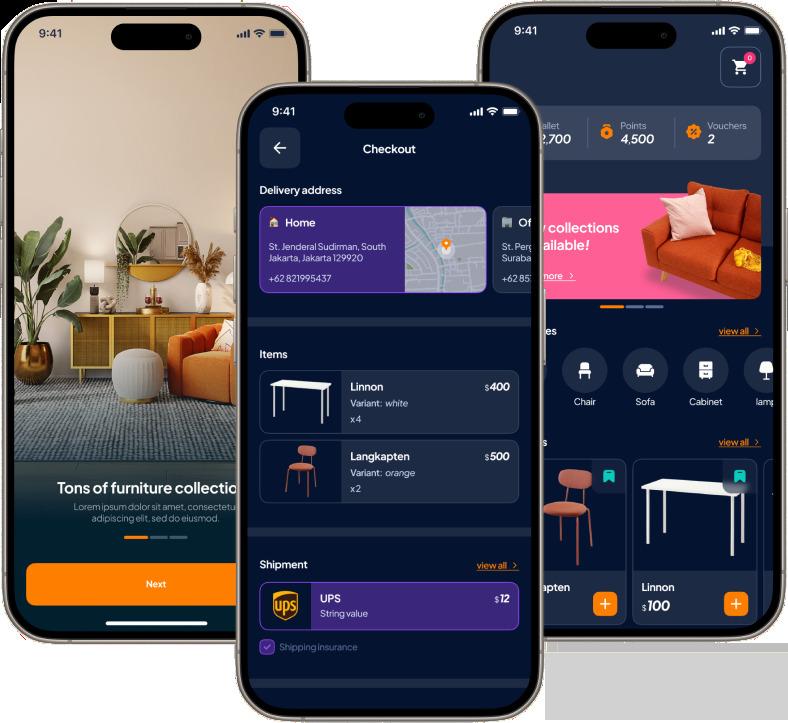
Building a successful iPhone application requires more than writing code. Developers need the right tools to design attractive interfaces, create reliable features, test app performance, and prepare the product for launch. Choosing the correct development tools also helps businesses reduce technical problems and deliver a better user experience.
Apple provides a complete development ecosystem for building applications across its platforms. Its official developer resources include Xcode, Swift, SwiftUI, testing frameworks, performance tools, and distribution services. These tools support the complete app development process, from the first design idea to App Store release.
1. Xcode: The Main iOS Development Environment
Xcode is Apple’s official integrated development environment, also known as an IDE. It is the primary tool used by developers to write, build, debug, test, and distribute iOS applications.
Xcode includes several useful features, such as:
- Source code editing
- Code completion
- Debugging tools
- iOS Simulator
- Performance analysis
- App archiving and distribution
- Interface previews
For most custom iOS application development services, Xcode is the central tool used throughout the project.
2. Swift: The Main Programming Language
Swift is Apple’s modern programming language for developing applications across iOS, iPadOS, macOS, watchOS, and other Apple platforms.
Swift is designed to be fast, secure, and easier to read than many traditional programming languages. It supports modern programming practices and helps developers create stable applications with fewer common coding errors.
A custom iOS app development company may use Swift to build features such as user accounts, payment systems, notifications, dashboards, and API integrations.
3. SwiftUI: A Modern UI Development Framework
SwiftUI is Apple’s framework for creating app interfaces with a declarative coding approach. Instead of describing every step of how the interface should change, developers describe what the interface should look like based on the current app state.
SwiftUI helps developers create:
- Buttons and forms
- Navigation screens
- Lists and dashboards
- Animations
- Responsive layouts
- Light and dark mode interfaces
It can help reduce repetitive interface code and make design updates easier during custom iOS app development.
4. UIKit: For Advanced Interface Control
UIKit is another important framework used to build iOS interfaces. It provides detailed control over screens, navigation, gestures, animations, tables, and other interface elements.
Although SwiftUI is widely used for modern projects, UIKit remains valuable for complex applications, older codebases, and situations that require highly customized user interfaces.
5. iOS Simulator: Testing Without Every Device
The iOS Simulator allows developers to test an application on simulated Apple devices without needing every physical iPhone model.
Developers can use it to check:
- Screen layouts
- Different screen sizes
- Device orientations
- Location changes
- Memory warnings
- Network conditions
- App behavior across supported iOS versions
However, real-device testing is still important because a simulator cannot reproduce every hardware and performance condition.
6. XCTest and Swift Testing: Quality Assurance Tools
Testing frameworks help developers identify problems before an app reaches customers. XCTest supports unit testing, UI testing, and performance testing. Swift Testing provides modern tools for writing expressive tests.
These frameworks help verify that app features work correctly and continue working after updates.
7. Instruments: Improving App Performance
Instruments is included with Xcode and helps developers analyze application performance. It can identify problems related to CPU usage, memory, battery consumption, disk activity, and slow user interfaces.
Using Instruments is especially helpful for apps that process large amounts of data or use advanced features such as video, maps, artificial intelligence, or real-time communication.
8. TestFlight: Beta Testing Before Launch
TestFlight allows developers to share pre-release app builds with internal and external testers. Testers can use the application, report problems, and provide feedback before the public launch.
This makes TestFlight an important part of iOS app development services because it helps teams improve stability and user experience before publishing the final version.
Final Thoughts
The right tools make custom iOS app development more organized, reliable, and efficient. Xcode, Swift, SwiftUI, UIKit, Simulator, testing frameworks, Instruments, and TestFlight each support a different stage of development.
Businesses planning an iOS application should work with an experienced development team that understands these tools and can select the right technology according to the app’s features, budget, security needs, and future growth.

 English
 Arabic
 French
 Spanish
 Portuguese
 Turkish
 Dutch
Dutch
 Italiano
 Russian
 Romaian
 Portuguese (Brazil)
 Greek
Greek
