


Mobile App Development Course in Delhi: How Beginners Can Build a Strong App Portfolio Through Small Projects
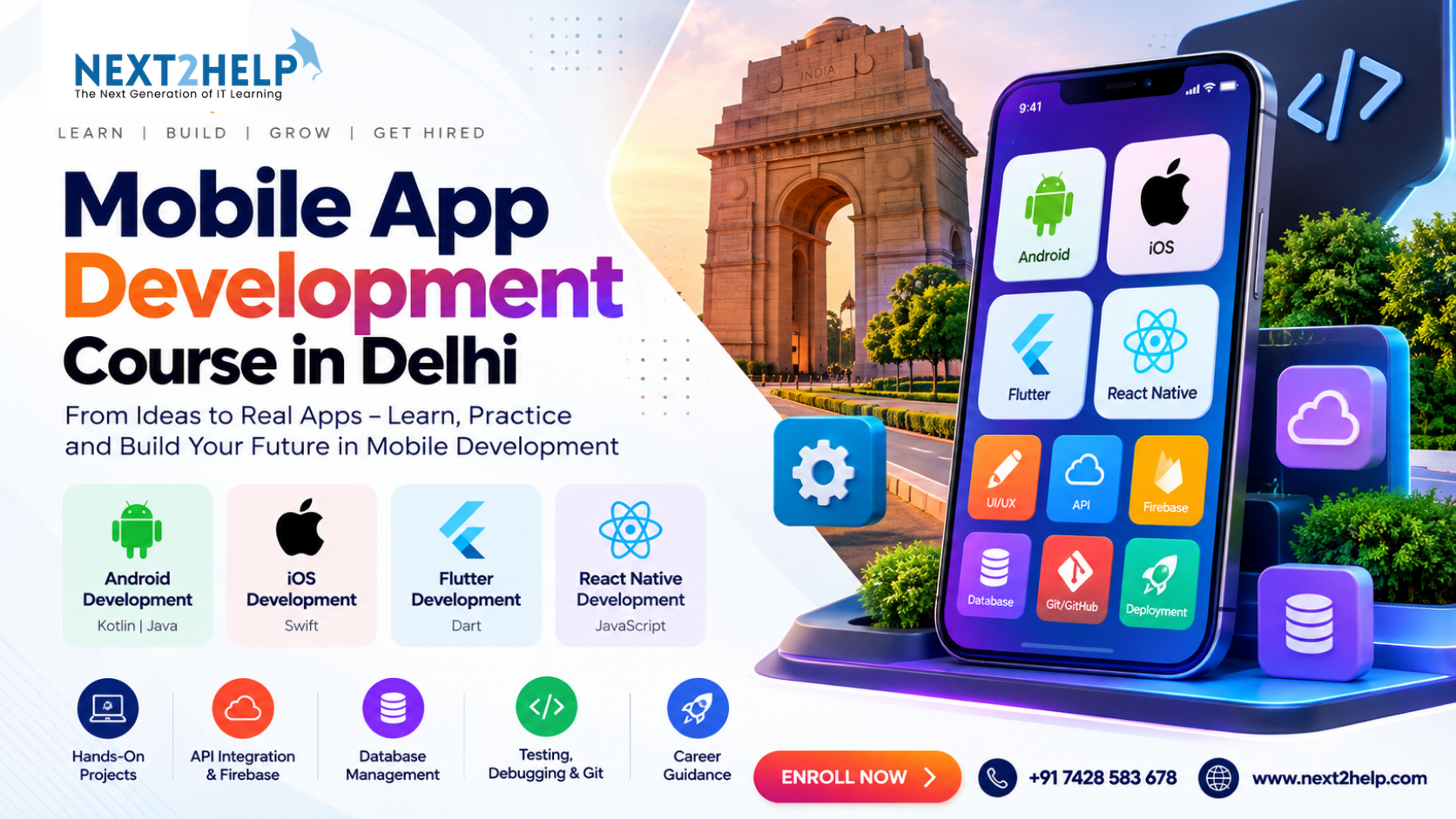
Many beginners make the same mistake when learning mobile app development.
They try to build a very large app too early.
They start thinking about an e-commerce app, social network, food-delivery platform or complete booking system before they are comfortable with basic screens, navigation, user input, APIs and databases.
A better learning method is to build small projects first and increase the difficulty gradually.
For someone exploring a Mobile App Development Course in Delhi, this project-based approach can make concepts such as Android development, Flutter, React Native, APIs, Firebase and databases much easier to understand.
Why Small Projects Work Better for Beginners
A small project gives you a clear problem to solve.
For example, instead of saying:
“I want to learn mobile development.”
You can say:
“I want to create an app where a user can add and delete daily tasks.”
Now the learning becomes practical.
To build that task app, you may need to understand:
- text fields,
- buttons,
- lists,
- user input,
- data storage,
- edit functionality,
- delete functionality,
- and basic navigation.
You are learning several development concepts through one simple application.
Project 1: Build a Basic Calculator App
A calculator is one of the simplest beginner projects.
It can help you practise:
- UI layout,
- buttons,
- variables,
- mathematical operations,
- functions,
- and displaying results.
The app may contain buttons for:
+
-
×
÷
The logic is simple, but it teaches an important lesson:
The interface and programming logic need to work together.
This is a good first project before moving to databases or APIs.
Project 2: Create a To-Do List App
A to-do app adds another layer of learning.
Users should be able to:
- enter a task,
- add it to a list,
- mark it complete,
- edit it,
- and delete it.
This project helps learners understand application state and data management.
A basic flow might look like:
Enter Task → Save → Display → Update/Delete
Later, you can improve the same project by adding:
- due dates,
- categories,
- priority levels,
- local storage,
- or user accounts.
One simple project can therefore grow as your skills improve.
Project 3: Build a Login and Registration App
Authentication is used in many real applications.
A beginner project can include:
Registration Screen
User enters:
- name,
- email,
- password.
Login Screen
The app verifies the user.
Profile Screen
The logged-in user sees personal information.
This project gives practice with:
- forms,
- validation,
- authentication,
- navigation,
- Firebase,
- and error handling.
Even a basic login system helps connect several important mobile-development skills.
Project 4: Make a Weather App Using an API
A weather application is a useful way to learn API integration.
The basic idea is:
User enters city
↓
App sends API request
↓
Weather service returns data
↓
App displays temperature and weather information
This project helps beginners understand:
- REST APIs,
- JSON,
- asynchronous data,
- loading states,
- error messages,
- and dynamic UI updates.
It is an important step because most modern apps communicate with external services.
Project 5: Build a Notes App With Database Storage
A notes application can introduce database concepts.
Users may be able to:
- create notes,
- edit notes,
- delete notes,
- search notes,
- and save them for later.
The key learning question becomes:
Where should the information be stored?
Beginners start understanding the difference between information that exists only temporarily and data that needs to remain available after the app is closed.
This gives a practical introduction to database management.
Project 6: Create a Simple Booking App
Once you are comfortable with smaller projects, a booking application can combine several concepts.
For example:
Screen 1
User login
Screen 2
Service list
Screen 3
Select service
Screen 4
Choose date and time
Screen 5
Confirm booking
Screen 6
View previous bookings
This project can involve:
- authentication,
- navigation,
- user input,
- databases,
- API integration,
- validation,
- and confirmation messages.
Now the learner is no longer practising one isolated feature.
They are beginning to build a complete application workflow.
Project 7: Build a Small E-Commerce App
An e-commerce application is more advanced because several features work together.
A beginner version could include:
- product list,
- product details,
- search,
- cart,
- quantity selection,
- checkout form,
- and order confirmation.
The project can teach:
Product Data
How information is loaded and displayed.
Navigation
How the user moves from the product list to details.
Cart Logic
How selected products and quantities are stored.
Calculations
How the app calculates totals.
Data Storage
How user or order information is saved.
This is an excellent portfolio project once the fundamentals are clear.
Do Not Copy Projects Without Understanding Them
Watching tutorials can be useful.
But there is a big difference between:
Following a tutorial
and
Understanding the project.
After completing a tutorial project, change something.
For example:
If you build a task app, add categories.
If you build a weather app, add a five-day forecast.
If you build a booking app, add booking history.
If you build an e-commerce app, add favourites.
Changing the project forces you to think independently.
That is where deeper learning begins.
How Projects Build a Portfolio
A portfolio does not need ten huge applications.
A few complete and clearly explained projects can show more useful skills.
For every project, keep:
- project name,
- short description,
- technologies used,
- screenshots,
- main features,
- GitHub repository if appropriate,
- and what you learned.
For example:
Project: Appointment Booking App
Technologies: Flutter, Firebase
Features:
- User login
- Service selection
- Booking form
- Booking history
Skills practised:
- Authentication
- Firebase database
- Navigation
- Form validation
This presentation makes the project easier to understand than simply listing “Flutter” on a profile.
Learn Git and GitHub While Building Projects
Do not wait until you become an advanced developer to learn version control.
Start using Git with your beginner projects.
A basic process can be:
Create project
↓
Create repository
↓
Make changes
↓
Commit
↓
Continue building
This gradually creates good development habits.
GitHub can also help you keep your projects organised.
Android, Flutter or React Native — Projects Matter in All of Them
The technologies may change, but project-based learning remains useful.
Android
You may use Kotlin or Java.
Flutter
You work with Dart and widgets.
React Native
You work with JavaScript/React concepts.
iOS
You may work with Swift.
Regardless of the technology, you still need to solve similar problems:
- How will the user navigate?
- Where will data come from?
- How will it be stored?
- How will users log in?
- What happens when something fails?
- How will the app be tested?
These questions are what make someone think like a developer.
A Simple Beginner Project Roadmap
If you are starting from zero, you can follow this order:
Project 1
Calculator
Learn: programming logic and UI
Project 2
To-Do App
Learn: lists, input and local data
Project 3
Login App
Learn: authentication and validation
Project 4
Weather App
Learn: API integration and JSON
Project 5
Notes App
Learn: database management
Project 6
Booking App
Learn: complete workflow
Project 7
E-Commerce Prototype
Learn: combining multiple features
This progression helps avoid jumping directly into a project that is too difficult.
What Should You Do When You Get Stuck?
Getting stuck is normal.
Instead of immediately searching for complete code, try this process:
Step 1
Read the error message.
Step 2
Identify the feature that is failing.
Step 3
Check the relevant code section.
Step 4
Test one small part.
Step 5
Search the specific problem.
Step 6
Try the fix and test again.
This develops debugging ability.
And debugging is one of the most important practical development skills.
What Should a Mobile App Development Course Include?
When comparing a Mobile App Development Course in Delhi, look for more than programming-language names.
A practical learning path should help students work with areas such as:
- programming fundamentals,
- Android or cross-platform development,
- mobile UI/UX,
- navigation,
- APIs,
- JSON,
- databases,
- Firebase,
- authentication,
- testing,
- debugging,
- Git,
- and deployment.
Most importantly, learners should get opportunities to build complete applications.
That is where separate technical concepts start making sense together.
Final Thoughts
Your first mobile application does not need to be impressive.
It needs to be complete.
A simple working app teaches more than a complicated unfinished project.
Start with:
One screen
Then:
Two screens
Then:
Navigation
Then:
Data
Then:
API
Then:
Authentication
Eventually, you will understand how all these pieces form a real application.
That gradual project-based approach can make learning mobile app development much more manageable for beginners.
For Info
Website - https://next2help.com/
Contact Us:+91 7428 583 678
Mail: info@next2help.com
Address: B-132, Block B, Sector-2 Noida,U.P-201301 INDIA

 Arabic
 French
 Spanish
 Portuguese
 Deutsch
 Turkish
 Dutch
Dutch
 Italiano
 Russian
 Romaian
 Portuguese (Brazil)
 Greek
Greek
