


Automated vs Manual Accessibility Testing: Why You Need Both
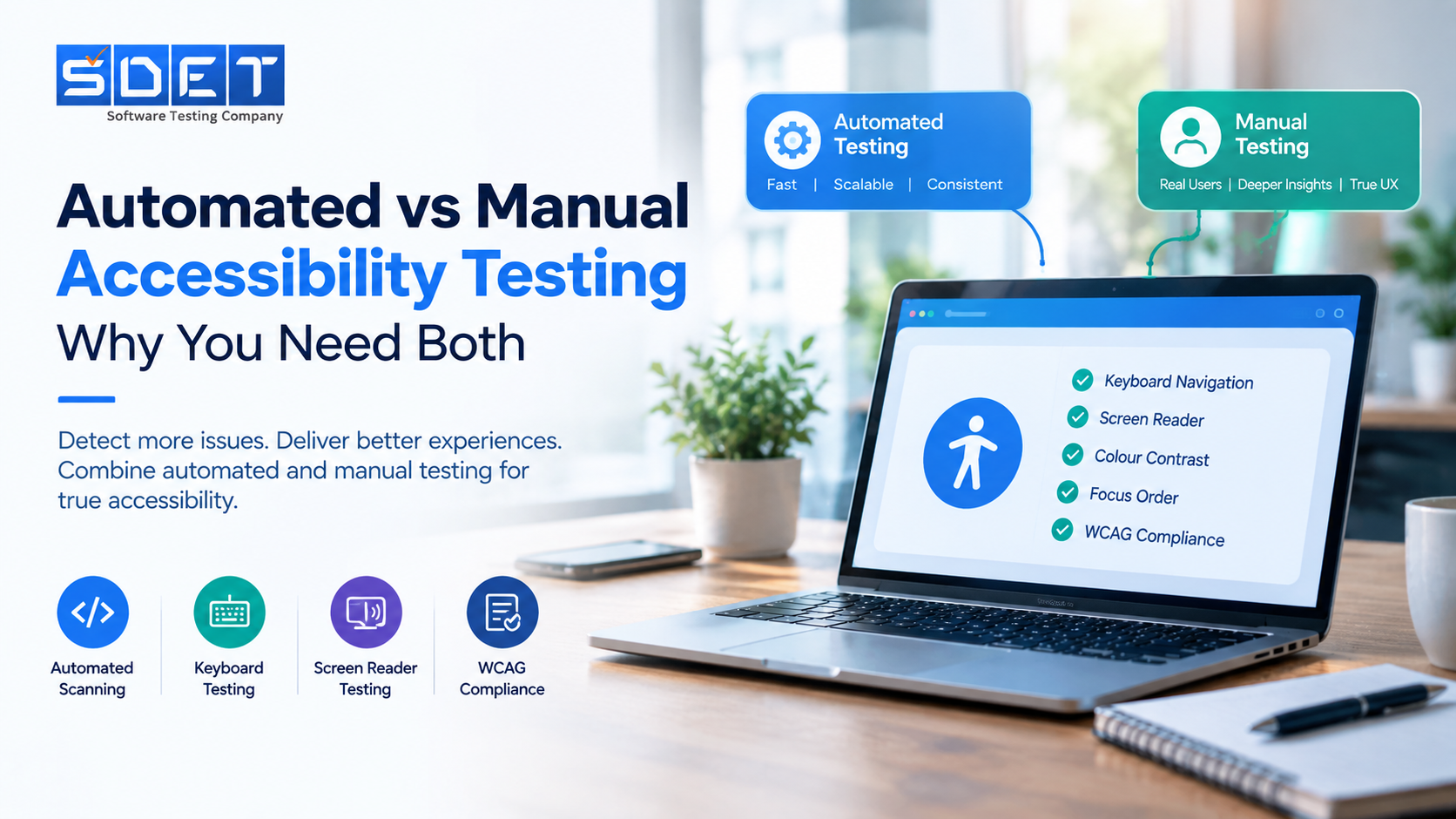
Digital accessibility is now an important part of software quality. Businesses need websites and applications that work for people with different abilities. This requires more than running an automated scanner. A strong accessibility testing strategy combines automated accessibility testing with manual accessibility testing.
What Is Automated Accessibility Testing?
Automated accessibility testing uses specialized tools to identify common accessibility issues. These tools can scan web pages and applications for technical problems.
Automated accessibility testing can identify issues such as:
- Missing alternative text
- Low colour contrast
- Missing form labels
- Invalid ARIA attributes
- Duplicate IDs
- Missing page language
- Some keyboard accessibility issues
Automated testing is useful during development. It can provide quick feedback before a product reaches production. Teams can also integrate accessibility testing tools into CI/CD pipelines.
However automated testing has limitations. A scanner cannot understand every aspect of the user experience. It may detect a missing label without understanding whether the label makes sense to the user.
What Is Manual Accessibility Testing?
Manual accessibility testing involves human evaluation of a website or application. Testers interact with the product using different accessibility methods.
Keyboard accessibility testing is an important part of this process. Testers can check whether users can navigate through interactive elements without a mouse.
Screen reader testing is another essential step. Testers can evaluate how content and controls are presented to people who use assistive technology.
Manual testing can identify problems that automated tools may miss. These problems can include confusing focus order. They can also include keyboard traps and unclear instructions.
Automated vs Manual Accessibility Testing
Automated accessibility testing provides speed and consistency. Manual accessibility testing provides deeper evaluation of the user experience.
Neither approach can replace the other.
Automated tools can scan large numbers of pages quickly. Manual testing can examine how real users interact with those pages.
A complete WCAG testing process should therefore use both approaches. Automated checks can identify common technical issues. Manual checks can validate accessibility in realistic usage scenarios.
Why You Need Both
A website can pass an automated accessibility scan and still create barriers for users. This is why accessibility testing services often combine automated checks with manual evaluation.
A balanced approach can include:
- Automated accessibility testing during development
- Manual keyboard accessibility testing
- Screen reader testing
- WCAG compliance testing
- Focus and navigation checks
- Accessibility regression testing
This approach helps teams identify more accessibility issues before release.
Build a Complete Accessibility Testing Strategy
Accessibility should be treated as part of software quality rather than a final compliance check. Automated testing helps teams find issues quickly. Manual testing helps confirm whether the product works in real-world scenarios.
SDET Tech provides accessibility testing services that combine automated testing with manual evaluation. The approach can help businesses identify accessibility barriers and improve compliance with WCAG requirements.
A combination of automated and manual accessibility testing creates a more complete path toward accessible digital experiences

 Arabic
 French
 Spanish
 Portuguese
 Deutsch
 Turkish
 Dutch
Dutch
 Italiano
 Russian
 Romaian
 Portuguese (Brazil)
 Greek
Greek
