


Mobile App Development Course Near Faridabad: Android, Flutter or React Native — What Should a Beginner Learn First?
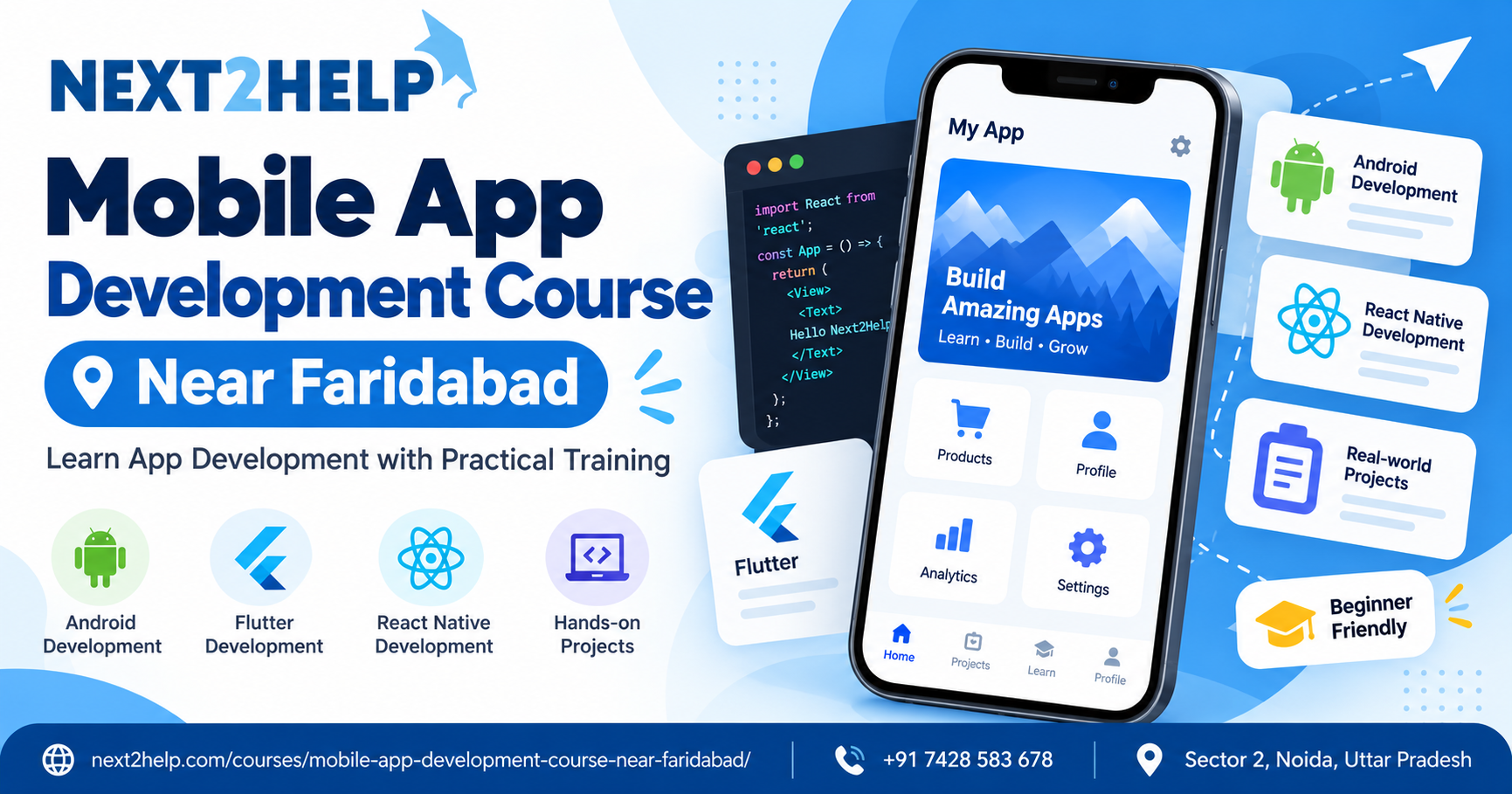
Beginners often get confused before they even start learning mobile app development.
The confusion usually begins with one question:
Should I learn Android, Flutter or React Native?
All three can be useful, but they are not the same.
If you are exploring a Mobile App Development Course Near Faridabad, it helps to understand what each path actually means before choosing one.
The best option depends on:
- your programming background,
- your learning goal,
- the kind of apps you want to build,
- and how quickly you want to start creating projects.
First Understand the Difference
Before comparing them, here is the simplest way to understand the three options.
Android Development
Android development focuses on building apps specifically for Android devices.
Beginners may learn languages such as:
- Kotlin
- Java
They also learn Android-specific tools and concepts.
Flutter Development
Flutter is a framework used to build apps for multiple platforms from a single codebase.
It commonly uses:
- Dart
With Flutter, developers can build applications for Android and iOS using one main development approach.
React Native Development
React Native is also used for cross-platform development.
It commonly uses:
- JavaScript
- React concepts
It allows developers to create mobile apps for both Android and iOS.
Which One Is Easier for Beginners?
There is no single answer.
It depends on what you already know.
If You Know Java or Kotlin
Android development may feel more natural.
You can focus directly on Android-specific app development.
If You Are Completely New to Coding
Flutter can be a structured option because Dart is relatively straightforward to learn with proper guidance.
If You Know JavaScript
React Native may feel more familiar.
You can use existing JavaScript knowledge while learning mobile-specific development concepts.
So the decision should start with your current skill level.
When Android Development Makes Sense
Android development is useful if your main goal is:
- building Android apps,
- understanding native Android development,
- working with Android-specific features,
- or learning the Android ecosystem in depth.
A beginner may learn concepts such as:
- activities,
- layouts,
- navigation,
- local storage,
- APIs,
- permissions,
- and notifications.
This gives a strong understanding of how Android apps work.
When Flutter Makes Sense
Flutter may be useful if you want to build for more than one platform.
A single codebase can be used for different platforms, which makes it attractive for beginners interested in cross-platform development.
You may learn:
- widgets,
- layouts,
- navigation,
- state management,
- APIs,
- forms,
- and app testing.
Flutter is also popular for creating visually consistent interfaces.
When React Native Makes Sense
React Native can be useful for learners who already have some familiarity with web development.
If you know JavaScript, the transition may be smoother.
You may learn:
- components,
- props,
- state,
- navigation,
- APIs,
- local storage,
- and mobile UI patterns.
React Native combines web-style programming concepts with mobile development.
Do Not Choose Only Based on Popularity
Beginners sometimes choose a technology because they hear:
“Flutter is trending.”
or
“React Native has more jobs.”
or
“Android is the safest.”
These statements may be partly true in some situations, but they should not be the only reason for choosing.
A better question is:
Which option will help me understand app development properly and complete real projects?
That matters more in the beginning.
Compare Them Simply
| Factor | Android | Flutter | React Native |
|---|---|---|---|
| Main language | Kotlin / Java | Dart | JavaScript |
| Platform focus | Android | Cross-platform | Cross-platform |
| Beginner friendly | Yes, with guidance | Yes, with guidance | Easier if you know JS |
| UI approach | Android-specific | Widget-based | Component-based |
| Good for | Native Android apps | Multi-platform apps | JS-based mobile apps |
This table is only a simple starting comparison.
Each option has deeper concepts to learn.
What Should Beginners Learn Before Any Framework?
No matter which technology you choose, certain basics remain the same.
You should understand:
- variables,
- conditions,
- loops,
- functions,
- arrays,
- objects,
- basic UI,
- navigation,
- forms,
- APIs,
- testing,
- and debugging.
These concepts are more important than the tool itself.
A framework becomes easier when your basic logic is clear.
Start With One Technology
One of the biggest mistakes beginners make is trying to learn everything at once.
They start:
- Android today,
- Flutter tomorrow,
- React Native next week.
This usually creates confusion.
A better approach is:
- choose one technology,
- learn the basics,
- build 2–3 small projects,
- understand debugging,
- complete one full app,
- then explore another framework.
Learning one properly is more useful than knowing a little about three.
Which Projects Can You Build?
No matter which path you choose, start with simple projects.
For example:
- calculator,
- to-do list,
- notes app,
- quiz app,
- weather app,
- expense tracker,
- login app.
These projects help you understand the same core ideas in different technologies.
What If You Want a Job Later?
If your long-term goal is a job, focus on skills that show you can actually build.
Employers usually care about whether you can:
- write working code,
- understand app structure,
- connect APIs,
- handle errors,
- debug problems,
- and complete projects.
The framework matters.
But your problem-solving ability matters too.
What If You Want Freelance Work?
For freelance projects, cross-platform skills may be useful because clients often want apps for both Android and iOS.
Flutter or React Native can be practical for such work.
But even then, you should understand mobile fundamentals.
Do not skip the basics.
What Should You Look for in a Course?
When reviewing a Mobile App Development Course Near Faridabad, check whether the course explains:
- programming basics,
- app structure,
- UI development,
- navigation,
- APIs,
- local storage,
- testing,
- debugging,
- and project building.
Also check whether learners build complete apps instead of only following theory.
A Simple Decision Guide
You can think of it this way:
Choose Android if:
- you want native Android skills,
- you are interested in Kotlin or Java,
- you want to understand Android deeply.
Choose Flutter if:
- you want cross-platform development,
- you are comfortable learning Dart,
- you want one codebase for multiple platforms.
Choose React Native if:
- you already know JavaScript,
- you like React-style development,
- you want cross-platform mobile skills.
Final Thought
There is no perfect technology for every beginner.
The better choice is the one you can learn properly and use to build real projects.
Do not spend too much time comparing frameworks.
Choose one.
Learn the basics.
Build apps.
Fix errors.
Complete projects.
Once you understand mobile development clearly, learning another framework becomes much easier.
Course Reference:
Mobile App Development Course Near Faridabad
Website:
https://next2help.com/

 English
 Arabic
 French
 Spanish
 Portuguese
 Deutsch
 Turkish
 Italiano
 Russian
 Romaian
 Portuguese (Brazil)
 Greek
Greek
