


Why Does My Printer Print Repeated Lines or Marks on Every Page?
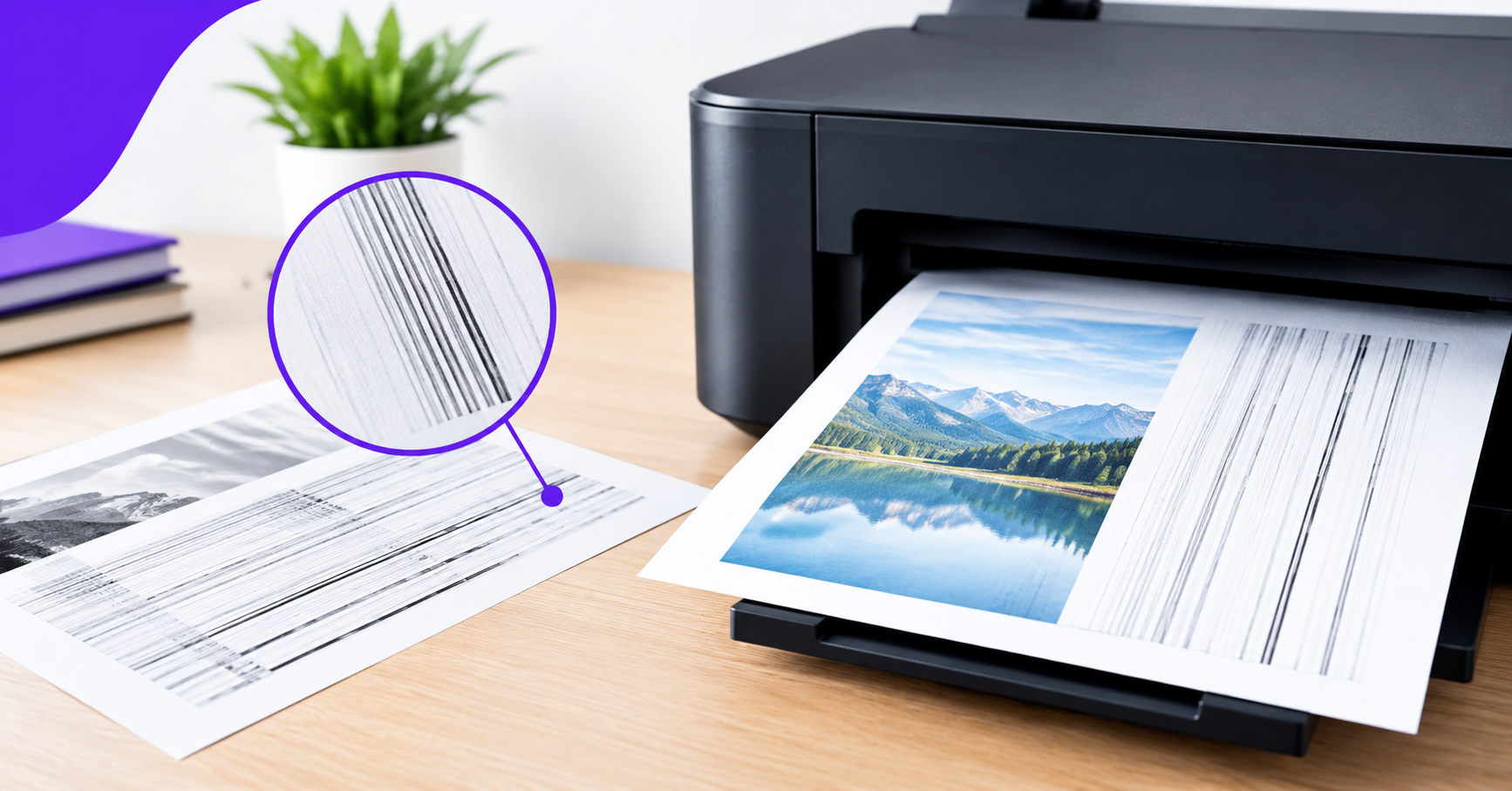
If your printer makes repeated lines or marks on every page, there are several reasons for this malfunction. The main causes of this malfunction can be dirty rollers, a defective drum unit, excessive toner or ink, or dirt on the printer’s rollers or printhead.
All of these issues cause irregularities on the printed pages at regular intervals or in the same place on different sheets. To identify the source of the problem, it is helpful to know which defects indicate what malfunctions.
What Causes Repeated Lines or Marks on Printed Pages?
The nature of the inconsistency dictates the necessary steps to eliminate the issue. Study the most common causes of irregularities on the printed page.
1. Dirty or Damaged Printer Rollers
The rollers transfer the paper from one printer compartment to another. In the process, dust, toner, or ink from the rollers can rub off on the paper, leaving behind smudges, spots, or repeating lines.
How to fix it: Turn off the printer and clean the rollers, following the instructions in the user manual. It is possible to remove the dirt with a damp lint-free cloth, taking care not to touch other parts of the printer. After you have finished, make sure the rollers are completely dry before turning the device back on.
2. A Worn or Damaged Drum Unit
The drum unit is a consumable part of the printer. If the drum is scratched or dirty, the printer will leave black spots or lines on the printed page.
How to fix it: Print a test sheet and see if the same markings are on it. Examine the drum unit if it is possible; however, do not touch the drum’s surface since it may be damaged. If there is damage on the drum, replace it with a new one.
3. Toner Cartridge or Ink Issues
One of the reasons why a printer may print the same markings on every sheet is a faulty toner cartridge. If the toner leaks, it can leave dark spots on the page. In addition, a non-uniform ink or toner layer can cause periodic irregularities on the printed page.
How to fix it: Check the toner cartridge for possible damage or make sure that the ink supply is not depleted. If the cartridge is faulty, replace it with a new one. If the problem is related to the printer’s inkjet print head, use the cleaning utility to clean the print head nozzles.
4. Dirty Print Head or Other Printer Parts
The printer’s print head, like any other instrument, requires regular cleaning and maintenance. If the print head nozzles are clogged, or there is ink or toner residue inside the printer, this will lead to the appearance of dirty lines during printing.
How to fix it: First of all, it is necessary to clean all the printer parts using special tools. Do not disassemble the device, and do not try to clean the printer’s inner parts with liquids if the user manual does not recommend this.
If your printer continues to produce streaks, follow our steps on how to fix printer streaks to troubleshoot common print-quality issues.
How to Tell What Is Causing Repeated Marks on My Printer?
To identify the source of the problem, follow these steps:
Print a test sheet and see if the same marks, spots, or lines are on it.
See if the marks on the printed page are periodic. This helps to identify which part of the printer is faulty — the rollers, drum, or print head.
Check the printer’s toner cartridge and inkjet cartridges for damage or dirt.
If you are printing with an inkjet printer, you need to clean the print head nozzles with a special tool and check the consistency of the ink flow. If there are no such tools, you can try the printer’s own nozzle cleaning function.
Check if the same marks or spots are on different sheets of paper.
Finally, make sure that the paper you are printing on is not dirty.
When to Hire a Printer Repair Service?
If your printer continues to leave marks on the printed page after cleaning, it means that there is a faulty part that requires repair. If the problem is a worn drum, a damaged roller, or a defective print head, these parts must be replaced. It is best to leave this work to specialists, especially since, in the case of a laser printer, it will be necessary to dismantle the printer’s hot fuser — a highly specialized and complex procedure.
DeviceFixes offers printer repair services and specialises in solving all kinds of printer problems, including streaks, spots, and marks on printed pages. If the described measures did not solve the problem, contact DeviceFixes to book a printer repair.

 English
 Arabic
 French
 Spanish
 Portuguese
 Deutsch
 Turkish
 Dutch
Dutch
 Italiano
 Russian
 Romaian
 Greek
Greek
