


Why Can Metadata Be Missing From an MP3Juice Audio File?
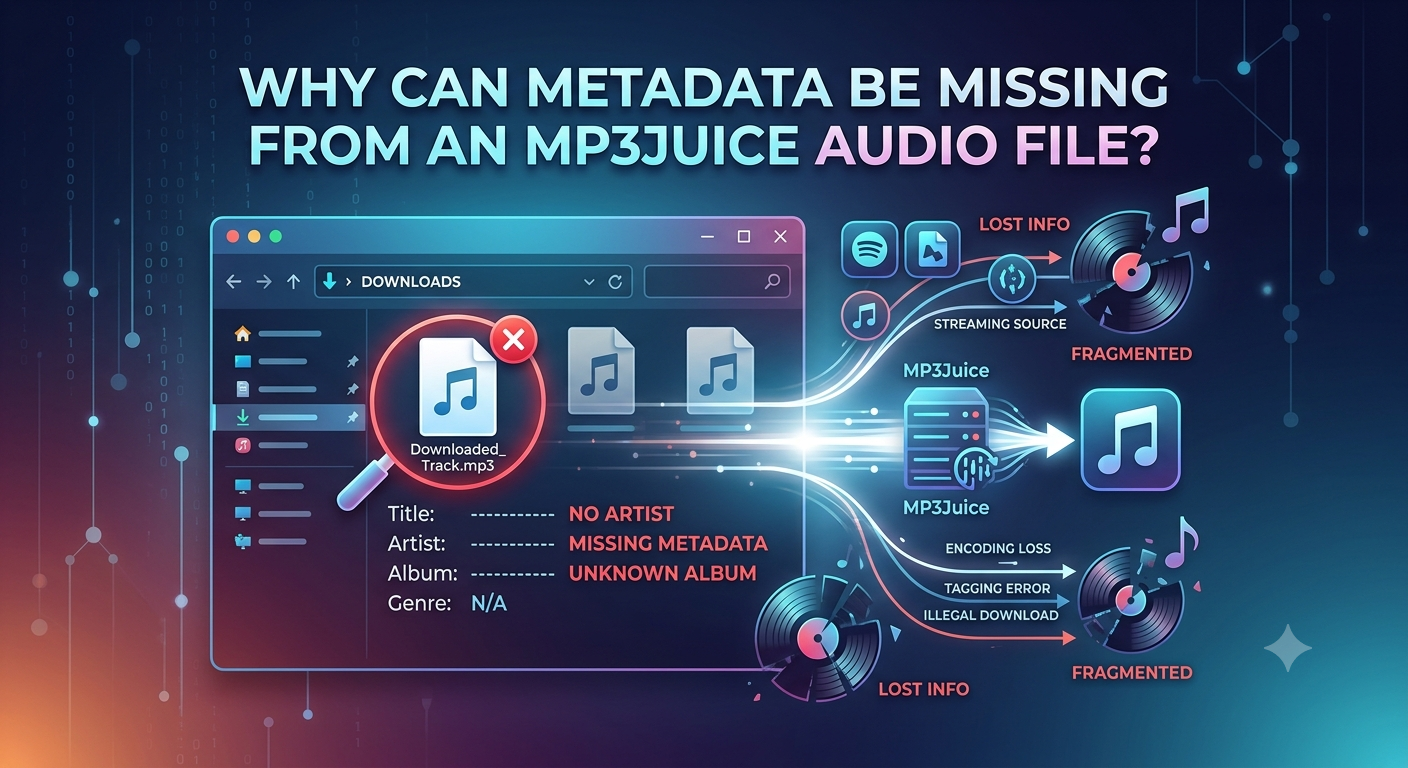
When you save an audio file, you can automatically see the song title, artist name, album, and other details. Some MP3 files, however, come up with an unknown artist, blank title, or just a file name of numbers and letters. If you are missing information, it can be more difficult to organize a music library or find a particular track later on.
If the original audio file doesn’t have complete song details, or if the information is not transferred during processing, an MP3 Juice download may be missing metadata. Metadata helps music players identify and display audio files, but it is separate from the sound itself. A song can play correctly even when its title and artist information are missing.
What Is MP3 Metadata?
Metadata is information stored inside an audio file. It helps music players and devices display useful details without requiring users to identify every track manually.
Common MP3 metadata includes:
- Title: The name of the song or recording.
- Artist: The singer, band, or performer.
- Album: The album where the track was released.
- Track number: The song's position on an album.
- Genre: The type of music, such as pop, rock, or jazz.
- Album artwork: An image associated with the release.
These details can make a large music collection easier to browse. When metadata is missing, the player may display only the file name or mark the information as unknown.
Why Does Metadata Sometimes Disappear?
Several issues can cause an audio file to lose some or all of its information.
1. The Original Source Has Incomplete Details
If the source recording does not include the correct title, artist, or album information, a converted file may not have those details either. User-uploaded recordings can have incomplete or incorrect descriptions.
2. Conversion Does Not Preserve Every Tag
During audio processing, some tools preserve existing metadata while others may remove it or create a new file without copying the original tags. The result depends on the software and its settings.
3. Different Tags Are Not Supported Equally
MP3 files can store metadata using different tagging systems. Some older music players or editing tools may not read every tag correctly. This can make information appear missing even when some metadata remains in the file.
4. The File Name Is Not the Same as Metadata
A file named favorite-song.mp3 does not automatically contain the artist, album, or title in its internal tags. Some music players use the file name as a fallback, while others display blank fields.
How Can an MP3 Downloader Affect Metadata?
An MP3 downloader can download audio from a limited source of information. The saved track would be stripped of metadata or contain only the basic details, depending on how the file is processed.
Simply changing the file format will not magically add the missing information. Converting an audio file to another format can result in some tags being left, some tags being removed, or the metadata being incomplete. Users should verify the resulting file, rather than assuming that all details have transferred correctly.
Choose tools carefully, avoid suspicious websites, and do not install unknown software just to add song information.
How to Fix Missing MP3 Metadata
You can often correct missing details with a trusted music library manager or audio tag editor.
- Open the audio file in a suitable tag editor.
- Enter the correct title and artist name.
- Add the album, track number, and genre if known.
- Add suitable album artwork when needed.
- Save the changes and reopen the file in your music player.
Check the information against a reliable album listing or the artist's official source. This helps prevent incorrect tags from spreading through your collection.
Conclusion
MP3Juice audio files sometimes lack metadata because the original source didn’t have the details, the conversion tools used didn’t keep the tags, or the music player cannot read the information that is there. The audio may still function normally. You can organize your music collection by inspecting file details and using a dependable tag editor to insert accurate song information. Always save or convert audio when you have permission and according to applicable copyright rules.

 English
 Arabic
 French
 Spanish
 Portuguese
 Turkish
 Dutch
Dutch
 Italiano
 Russian
 Romaian
 Portuguese (Brazil)
 Greek
Greek
