


How Digital Invoices Help Pakistani Businesses Improve Billing Accuracy and FBR Compliance
Introduction
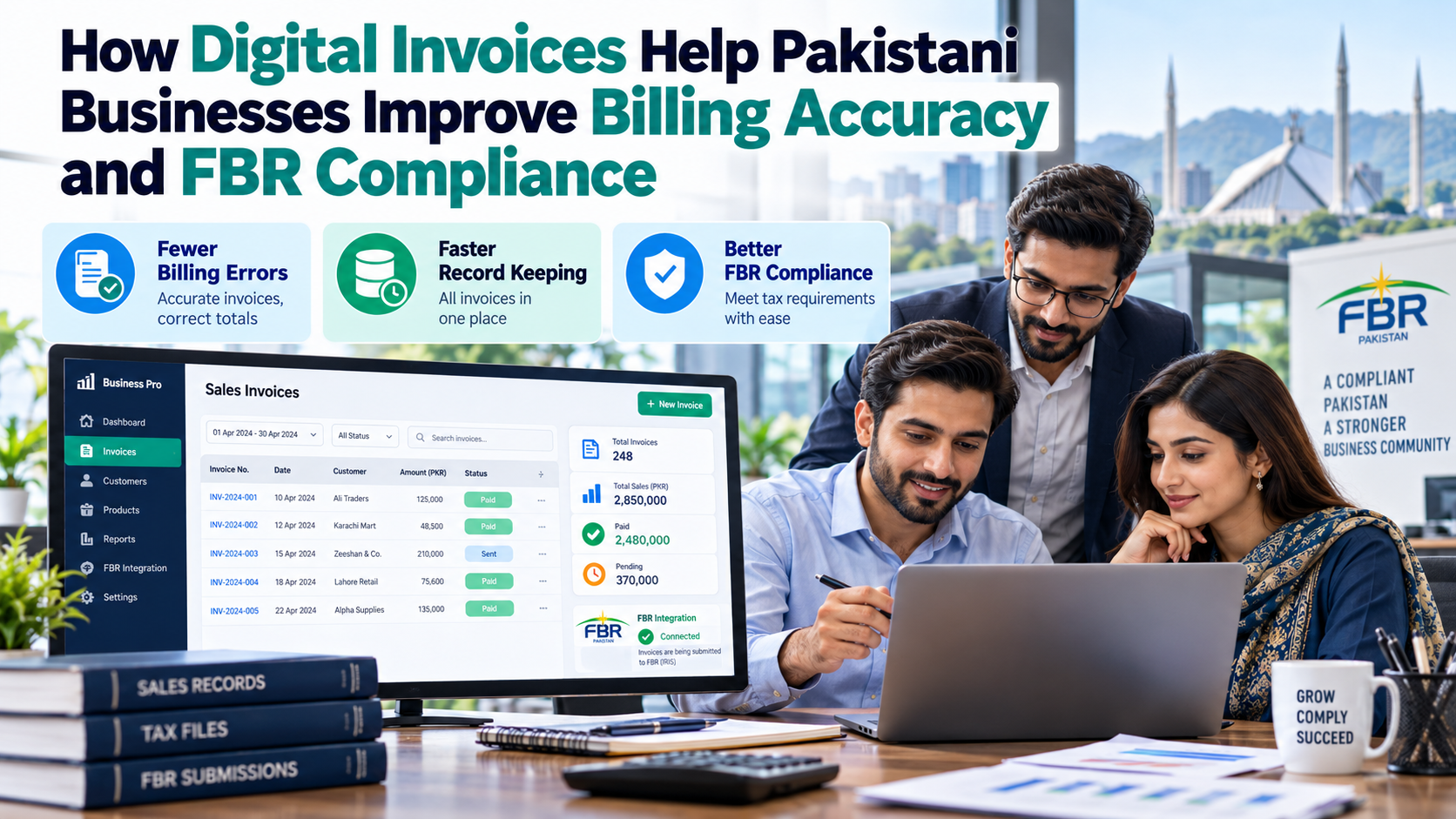
Businesses in Pakistan are increasingly moving towards digital solutions to manage sales, maintain financial records, and meet changing tax compliance requirements. Traditional paper-based billing and disconnected accounting systems can make it difficult to maintain accurate records, especially when a company handles hundreds of transactions every day. A well-managed digital invoice process offers a practical way to improve billing accuracy, organize transaction data, and support electronic reporting where required.
For retailers, restaurants, wholesalers, distributors, pharmacies, and other businesses, digital invoicing is more than a replacement for printed paperwork. It can connect sales transactions with accounting records, reduce repetitive data entry, and make financial information easier to review. When properly configured, an integrated invoicing system also helps businesses manage applicable Federal Board of Revenue (FBR) requirements more efficiently.
However, adopting digital billing involves more than installing software. Businesses need to understand their invoicing obligations, choose a suitable system, verify integration requirements, and train employees to use the technology correctly. A planned approach helps organizations gain the benefits of digital invoicing while reducing avoidable errors and administrative challenges.
What Is a Digital Invoice?
A digital invoice is an invoice created and managed electronically using an invoicing application, accounting platform, enterprise resource planning system, or point-of-sale solution. It records relevant transaction information, such as the seller's details, invoice number, products or services supplied, quantities, prices, applicable taxes, and total amount.
Businesses should distinguish an ordinary electronic copy of a paper invoice from a structured electronic tax invoice. Under FBR's published electronic-invoicing guidance, scanning or photographing a paper invoice does not, by itself, make it a structured electronic invoice. Applicable electronic invoicing requirements must therefore be assessed separately from the simple act of sending a bill by email or generating a PDF.
An appropriately configured electronic invoicing system can help businesses prepare invoices consistently, store transaction histories, and transmit required information through the relevant integration process. The precise functionality depends on the software, the business's activities, and the applicable regulatory requirements.
Why Digital Invoicing Matters for Pakistani Businesses
Manual billing can become increasingly difficult as a business grows. Employees may enter the same information into multiple systems, invoices may be misplaced, and accounting teams may spend hours comparing records at the end of the month.
Moving to digital invoicing in Pakistan can make these workflows easier to manage. Electronic records allow businesses to search transactions, review billing histories, track discrepancies, and organize documents for accounting and compliance purposes.
For businesses covered by applicable FBR integration requirements, a compatible system can also support the electronic transmission of prescribed invoice information. The key is to ensure that the solution meets the relevant technical and legal requirements rather than assuming that every digital billing application is automatically compliant.
A properly managed process can support stronger internal controls, more consistent reporting, and better visibility into daily sales. It also creates an opportunity to replace fragmented billing practices with a standardized workflow that employees can follow across different departments and locations.
1. Improved Billing Accuracy and Fewer Manual Errors
One of the most practical benefits of using a digital invoicing system is the ability to standardize how invoices are created. When employees rely entirely on handwritten records or manual calculations, mistakes involving prices, quantities, tax amounts, and invoice references can occur.
Digital billing software can calculate totals automatically, retrieve saved product information, and apply configured tax settings. These features reduce repetitive work and help employees prepare invoices more consistently.
Automation does not eliminate every error. Incorrect product details, outdated tax settings, or poorly configured software can still produce inaccurate invoices. Businesses should therefore review their billing setup regularly and ensure that employees understand how to identify and correct mistakes.
Accurate invoice records also make it easier for managers to investigate discrepancies between sales reports, payment records, and accounting entries.
2. Better Recordkeeping and Financial Organization
Maintaining organized financial records is essential for businesses that need to review transactions, prepare tax documentation, and understand their financial performance. Paper invoices can be difficult to retrieve, particularly when documents are stored across several offices or branches.
A digital invoice management system stores transaction details electronically, making records easier to search, sort, and review. Authorized employees can locate invoices using available fields such as dates, invoice numbers, customer details, or transaction references.
Electronic records can also help accounting teams compare issued invoices with payment information and identify missing documents. When records are properly maintained, businesses can spend less time searching through paperwork and more time reviewing financial performance.
Access controls, secure backups, and appropriate record-retention procedures remain important. Businesses should protect confidential information and ensure that invoice records can be retrieved when needed.
3. Supporting FBR Digital Invoicing Requirements
Tax compliance is an important consideration when selecting an invoicing solution in Pakistan. Businesses covered by applicable FBR requirements may need to integrate their POS, enterprise resource planning, or other invoicing systems with FBR through an authorized integration arrangement.
A compatible FBR digital invoicing system can help automate the transmission of prescribed invoice information and record the responses received during processing. Depending on the applicable implementation, invoices may include an FBR-generated invoice reference and a QR code for verification.
Businesses should not assume that producing a PDF invoice or printing a receipt automatically satisfies electronic invoicing obligations. They must determine whether their registration category and business activities fall under the relevant rules and notifications.
Where integration through a licensed integrator is required, the business should verify the provider's current authorization and confirm that the software meets the applicable technical specifications. Reviewing these matters before implementation can help prevent avoidable delays and compliance gaps.
4. Faster Sales Processing Through POS Integration
Retailers and other high-volume businesses often need to process transactions quickly without compromising the accuracy of their records. Integrating digital invoicing with a POS system can connect billing, transaction recording, and inventory updates within a consistent workflow.
When a product is sold, the POS system can record the transaction, calculate the configured total, update available stock, and generate the appropriate invoice. Where the required FBR integration is correctly implemented, the system can also support electronic reporting according to the applicable process.
This arrangement reduces the need for employees to enter the same transaction manually into separate systems. It can also help management compare sales across different counters and outlets.
Before selecting a solution, businesses should confirm that the system supports their transaction volume, payment methods, product categories, reporting needs, and applicable integration requirements.
5. Greater Transparency and Easier Invoice Verification
Invoice transparency helps businesses, customers, and accounting teams understand what a transaction contains. Clear invoice numbering, accurate product descriptions, documented tax calculations, and traceable transaction records make it easier to investigate questions or discrepancies.
Where applicable, FBR-verified digital invoices can provide the relevant invoice identification details and QR-based verification features supported by the integrated system. These features can assist with checking invoice information, although their availability and precise use depend on the implementation and applicable requirements.
Businesses should ensure that printed or electronic invoices display the required information correctly. They should also retain the underlying transaction record so that an invoice can be traced back to the original sale.
A transparent invoicing workflow supports better customer service and strengthens the quality of a company's financial documentation.
6. Important Features to Look for in a Digital Invoice Solution
Selecting software based solely on its price or appearance can create problems later. Businesses should evaluate whether the system meets their actual operational and compliance needs.
Important capabilities may include:
-
Automated invoice generation to reduce repetitive data entry and improve consistency.
-
FBR integration support for businesses required to transmit invoice information electronically.
-
QR code and invoice reference handling where prescribed by the applicable integration process.
-
Accounting and POS integration to connect sales transactions with financial records.
-
Inventory management for businesses that need stock quantities updated with sales.
-
Reporting and reconciliation tools to identify discrepancies and review transaction histories.
-
User permissions and audit trails to protect records and document important changes.
-
Technical support and staff training to help employees use the system correctly.
The appropriate solution depends on business size, transaction volume, existing software, and legal obligations. A small shop may need a straightforward billing system, while a multi-branch retailer may require centralized reporting and more advanced controls.
7. How to Implement Digital Invoicing Successfully
A successful implementation begins with understanding the business's existing billing process. Before purchasing new software, review how invoices are issued, how sales are recorded, and whether the current system can support the required integration.
Businesses can follow these practical steps:
-
Assess current requirements: Identify the relevant tax obligations, invoice fields, business processes, and integration needs.
-
Choose compatible software: Select a solution that supports the required features and can work with your existing billing or accounting infrastructure.
-
Verify the integration arrangement: Confirm whether an FBR-licensed integrator is required and verify the provider's current authorization.
-
Test the complete workflow: Check invoice creation, data validation, transmission, response handling, and receipt generation before full deployment.
-
Train employees: Explain how to issue invoices, identify errors, and handle corrections through approved procedures.
-
Monitor performance: Review transaction reports, failed submissions, and reconciliation differences regularly.
Following these steps can help businesses introduce digital invoicing solutions with fewer disruptions. Testing is especially important for businesses with multiple branches or high transaction volumes because configuration problems can affect many invoices if they remain undetected.
8. Common Mistakes Businesses Should Avoid
Even a capable invoicing platform can cause problems when implemented without proper planning. One common mistake is assuming that every electronically generated invoice automatically meets FBR requirements. Businesses should verify the applicable rules rather than relying on the software's advertised features.
Another mistake is neglecting staff training. Employees may select incorrect tax settings, enter incomplete transaction details, or retry failed submissions without checking their status. These issues can undermine otherwise effective automation.
Businesses should also avoid sharing system credentials insecurely, ignoring software updates, or deleting transaction records to correct mistakes. Appropriate correction procedures and a reliable audit trail are essential for maintaining trustworthy financial records.
Finally, do not overlook ongoing support. A business needs a clear process for addressing integration failures, updating configuration settings, and investigating differences between local billing records and the information returned by the relevant external system.
9. How Professional Support Can Help
Implementing an invoicing system can become complicated when a business has multiple outlets, existing accounting software, specialized tax requirements, or a large volume of transactions. Professional assistance can help assess these needs and create an implementation plan suited to the organization.
Pakistan's First Online Consultants (PFOC) provides POS implementation and digital invoicing support through its service offering, including system configuration, applicable FBR integration, testing, and staff training. Businesses evaluating such assistance should confirm the scope of services, technical responsibilities, and any required licensed-integrator arrangement before proceeding.
The objective is not simply to install billing software. It is to establish a dependable process that connects everyday transactions with accurate records, effective monitoring, and the applicable compliance requirements.
Conclusion
A digital invoice system can help Pakistani businesses improve billing accuracy, organize financial documentation, and reduce the administrative burden associated with manual invoicing. When connected appropriately with POS and accounting software, it can also support more efficient transaction processing, clearer reporting, and electronic tax reporting where required.
However, the benefits depend on selecting compatible software, configuring it correctly, training employees, and monitoring its performance. Businesses should evaluate their applicable FBR obligations, verify integration requirements, and establish procedures for handling errors before relying on an automated system.
By combining suitable technology with consistent internal controls, businesses can build a more organized invoicing process that supports day-to-day operations and long-term growth.

 Arabic
 French
 Spanish
 Portuguese
 Deutsch
 Turkish
 Dutch
Dutch
 Italiano
 Russian
 Romaian
 Portuguese (Brazil)
 Greek
Greek
