


Hire Webshark Android App Development Team for Your Project
Native vs cross-platform Android app development comes down to one trade-off. Native apps are built only for Android, usually in Kotlin with Jetpack Compose, and give you the best performance and fastest access to new Android features. Cross-platform apps use one shared codebase (Flutter, React Native, or Kotlin Multiplatform) to run on Android and iOS, which usually lowers cost and speeds up launch.
Neither option is always better. The right choice depends on your users, budget, timeline, and how much your app relies on device features.
This guide compares both approaches side by side and shows you how to decide.
What Is Native Android App Development?
A native Android app development is written specifically for Android using Google's own tools. Today, that usually means Kotlin, the language Google recommends for Android, with Jetpack Compose for the user interface and Android Studio as the development environment.
Because the app talks directly to the operating system, it can use every Android API, from camera and Bluetooth to background services and home screen widgets. When Google ships a new Android version, native teams can adopt its features right away.
The catch is reach. A native Android app runs only on Android. If you also need an iPhone app, you build and maintain a second, separate app in Swift.
What Is Cross-Platform Mobile App Development?
Cross-platform mobile app development uses one codebase to produce apps for both Android and iOS. The three leading options in 2026 are:
-
Flutter: Google's UI toolkit, written in Dart. It draws its own interface, so apps look the same on every device.
-
React Native: Meta's framework, written in JavaScript or TypeScript. It renders native UI components and suits teams with web development skills.
-
Kotlin Multiplatform (KMP): JetBrains' approach, which shares business logic in Kotlin while letting each platform keep a native interface if you want one.
Cross-platform does not mean zero platform work. Most projects still need some native code for payments, push notifications, or hardware features.
Native vs Cross-Platform App Development: Side-by-Side Comparison
|
Factor |
Native Android (Kotlin) |
Cross-platform (Flutter, React Native, KMP) |
|
Codebases |
One per platform |
One shared (mostly) |
|
Time to market on Android + iOS |
Slower, two builds |
Faster, one build |
|
Performance |
Best, direct OS access |
Close to native for most business apps |
|
New Android features |
Available immediately |
Often after framework updates |
|
UI fidelity |
Fully native look and feel |
Varies by framework |
|
Upfront cost for two platforms |
Higher |
Lower |
|
Long-term maintenance |
Two apps to update |
One core, plus framework upgrades |
|
Best for |
Hardware-heavy, high-performance, or Android-only apps |
MVPs, startups, and apps needed on both platforms |
Native vs Cross-Platform App Cost Comparison
For most businesses, the native vs cross-platform app cost gap comes from team size. Two native apps usually need two specialized teams (Android and iOS). A cross-platform app can often be built by one team working in one codebase.
Labor drives the budget. The U.S. Bureau of Labor Statistics reports a median annual wage of $135,980 for software developers (May 2025). Every extra developer you need for a second native codebase adds that kind of cost, before benefits and overhead.
Keep these cost factors in mind:
-
Upfront build: Cross-platform is usually cheaper when you need both Android and iOS.
-
Android-only apps: If you only need Android, native often costs about the same and avoids framework limits.
-
Maintenance: Google Play requires apps to stay current. Since August 31, 2026, new apps and updates must target Android 16 (API level 36). Every approach needs a yearly update budget.
-
Rework risk: If a cross-platform app later needs deep native features, rebuilding parts of it can erase the early savings.
For a broader look at budgets, read our guide on mobile app development costs for US buyers.
Flutter vs Native App Development
Flutter is often the first cross-platform option businesses consider. Its own rendering engine gives you a consistent, polished interface on Android and iOS, and features like hot reload help developers iterate quickly.
Native Android still wins when your app needs heavy animations, complex background processing, advanced camera or sensor work, or the newest Android features on day one. Flutter apps can also be larger in file size than equivalent native apps.
For content apps, booking tools, eCommerce, and internal business apps, Flutter's trade-offs are often acceptable.
Kotlin Multiplatform App Development: The Middle Path
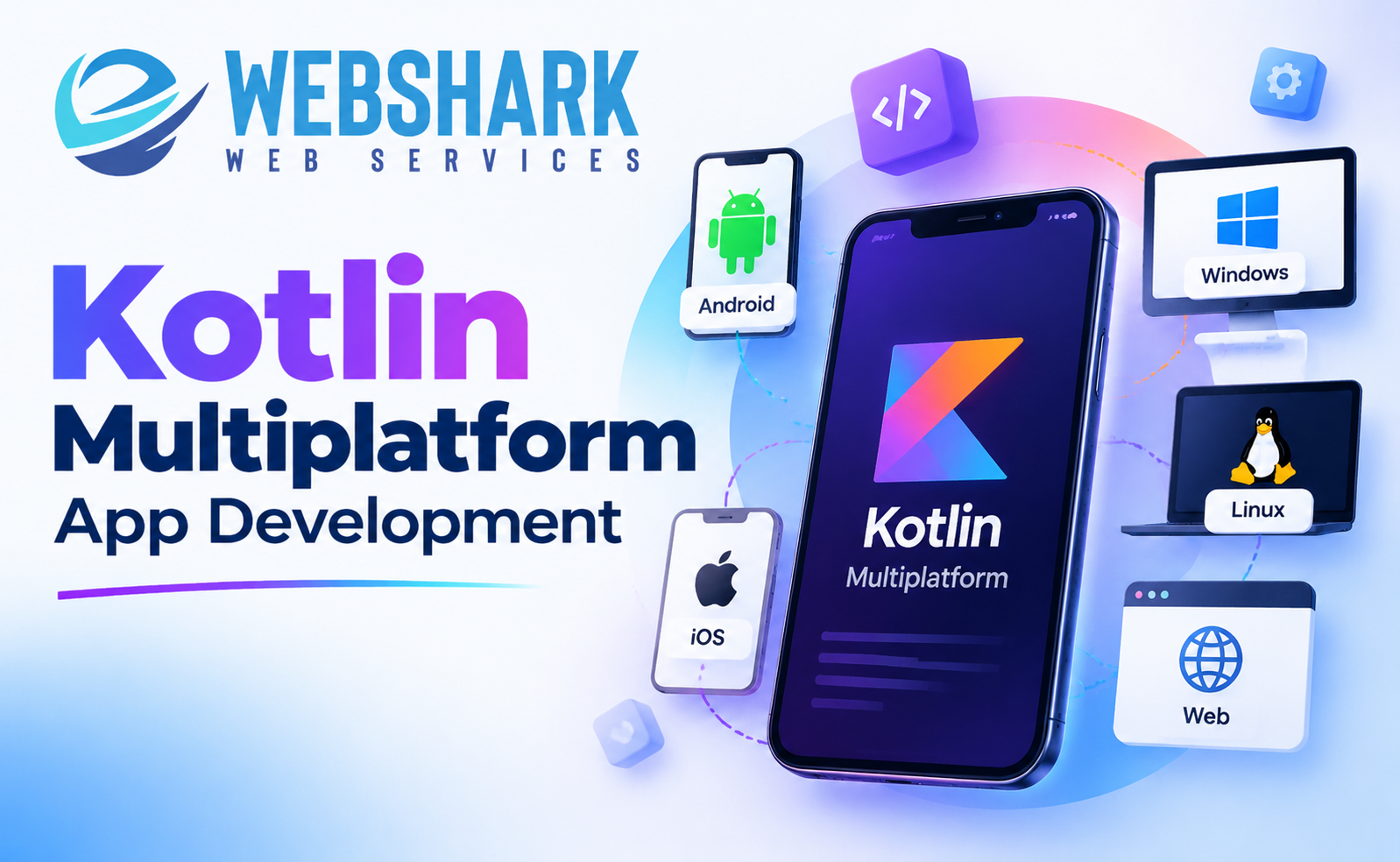
Kotlin Multiplatform app development has grown quickly because it avoids an all-or-nothing choice. You share business logic (networking, data, validation) across platforms and can keep fully native screens on each one.
Google now officially supports Kotlin Multiplatform for sharing logic between Android and iOS and lists it as stable and production-ready. Its list of KMP apps includes Google Docs, Duolingo, Cash App, and Forbes. In 2025, JetBrains also declared Compose Multiplatform for iOS stable, so teams can share UI too.
KMP is a strong fit if you already have a native Android app in Kotlin and want to add iOS without starting over.
Which Is Better: Native or Cross-Platform App Development?
Use this quick decision guide.
Choose native Android development if:
-
Your users are mostly on Android, or you only need an Android app.
-
Performance, battery use, or hardware access is central to the product.
-
You need new Android features as soon as they launch.
Choose cross-platform development if:
-
You need Android and iOS apps on a limited budget.
-
Speed to market matters more than perfect platform polish.
-
Your app is mainly forms, content, commerce, or dashboards.
Choose Kotlin Multiplatform if:
-
You want shared logic but native user interfaces.
-
You have an existing Kotlin Android app and plan to expand to iOS.
Cross-Platform vs Native App Development for Startups
For startups, cross-platform is often the practical starting point. One codebase lets you launch a minimum viable product (MVP) on both stores, test demand, and save budget for marketing. If the product later needs deep native features, you can move key screens to native code or adopt KMP.
If your startup's core value depends on hardware, real-time performance, or one platform's audience, native may be worth the higher upfront cost.
Conclusion: Make the Right Call for Your Business
The native vs cross-platform Android app development decision is really a business decision. Native gives you maximum performance and control. Cross-platform gives you reach and speed. Kotlin Multiplatform offers a middle path that keeps native quality while sharing code.
Start with your users, your budget, and your three-year product roadmap, then pick the approach that fits all three.
Not sure which path suits your app? Webshark Web Services can review your requirements and recommend the right approach. Explore our mobile app development services or sales@webshark.tech (internal link: Webshark contact page, URL to confirm) to discuss your project.
FAQs
1. Which is better, native or cross-platform app development?
Neither is better in every case. Native is the stronger choice for performance-heavy, hardware-dependent, or Android-only apps. Cross-platform is usually better when you need Android and iOS apps quickly on a tighter budget.
2. Is cross-platform app development cheaper than native?
Usually, if you need both Android and iOS. One shared codebase means a smaller team and fewer duplicate features to build and test. If you only need an Android app, the cost difference is often small, and native avoids framework limits.
3. Is Flutter good for Android app development?
Yes. Flutter is built by Google and produces fast, consistent apps on Android and iOS. It works well for eCommerce, booking, content, and internal business apps. Apps that rely on cutting-edge Android features or heavy background processing may still be better as native builds.
4. What is Kotlin Multiplatform, and is it ready for business apps?
Kotlin Multiplatform lets developers share business logic written in Kotlin across Android and iOS while keeping native interfaces where needed. Google officially supports it and describes it as stable and production-ready, and apps like Google Docs and Duolingo use it.
5. Can I switch from cross-platform to native later?
Yes, but it costs time and money. Many teams move only the most demanding screens to native code instead of rebuilding everything. Planning your three-year roadmap before you start helps you avoid an expensive rewrite.

 English
 Arabic
 French
 Spanish
 Portuguese
 Turkish
 Dutch
Dutch
 Italiano
 Russian
 Romaian
 Portuguese (Brazil)
 Greek
Greek
