


Canara Bank Statement Online: Mobile App, WhatsApp and Net Banking
A bank statement helps you track your income, expenses, deposits, withdrawals, and other financial transactions. If you have a Canara Bank account, you can access your transaction history through digital banking services without visiting a bank branch every time.
The Canara Bank statement online facility allows eligible customers to check account activity through the Canara ai1 mobile banking app, WhatsApp banking, and internet banking. Depending on the service you use, you may also be able to request a statement by email or download it as a PDF.
In this guide, we explain how to check your Canara Bank statement using different methods, save your financial records, and stay safe while using online banking.
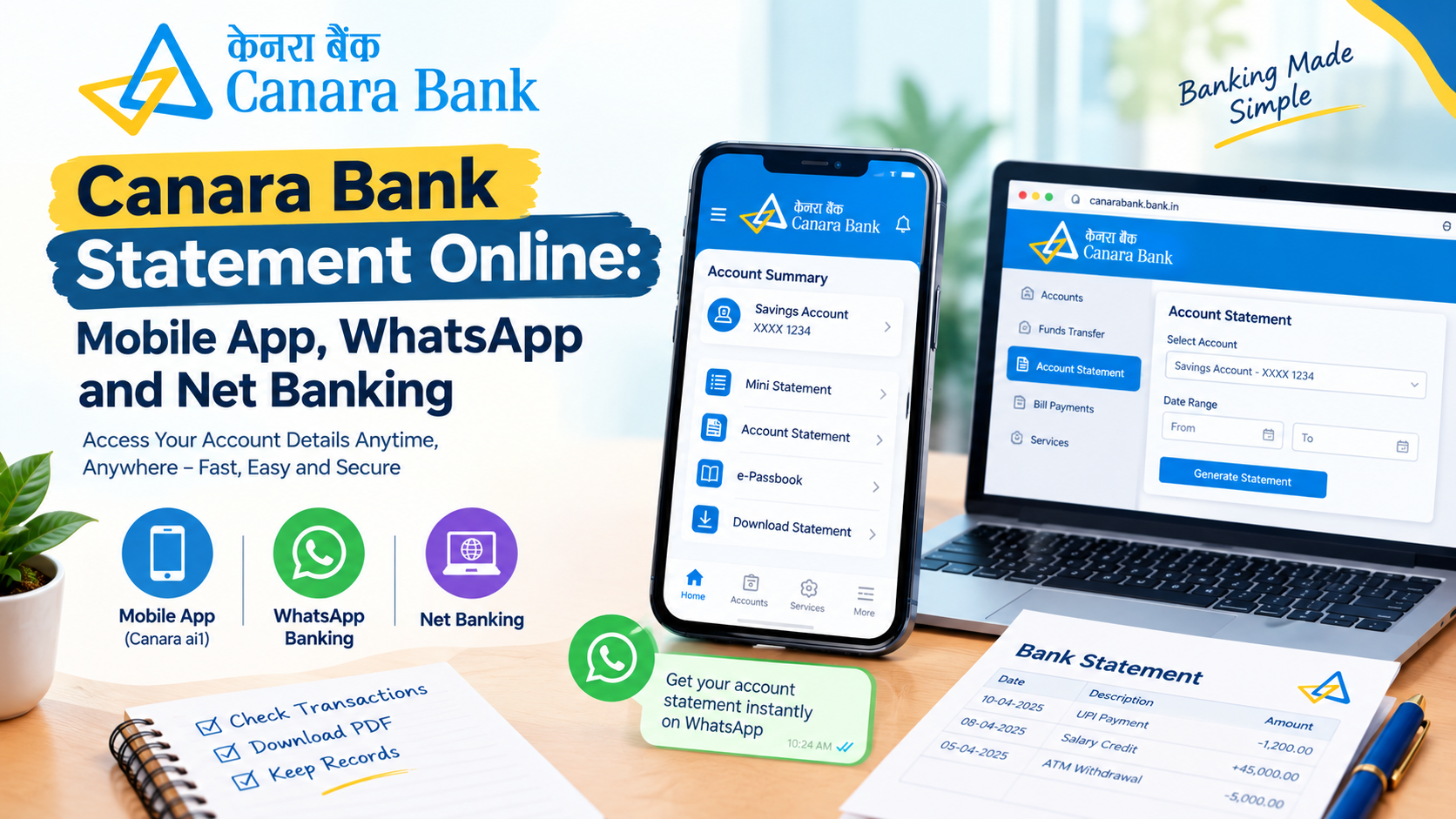
1. Canara Bank Statement Through the Mobile App
Canara Bank offers the Canara ai1 mobile banking app, which provides access to account information, mini statements, and the e-Passbook facility.
Follow these steps to check your statement:
-
Download the official Canara ai1 app from your phone's app store.
-
Complete the registration process using your registered mobile number.
-
Activate mobile banking if required.
-
Log in using your authorised passcode.
-
Open the Pay and Transfer section.
-
Select e-Passbook.
-
Choose your bank account and select the required statement period.
-
View your transactions and use the available options to download or share the statement.
Canara Bank states that the e-Passbook facility supports statements covering periods from 10 days to one year, including custom date ranges of up to one year. Available options may vary depending on the app version and account.
2. Canara Bank Statement Through WhatsApp
Canara Bank provides WhatsApp banking services that allow customers to access selected banking facilities through WhatsApp.
According to the bank's published WhatsApp banking guide, customers can use the service to check a mini statement, view account transactions, and request an account statement by email.
Follow these steps:
-
Save the official Canara Bank WhatsApp banking number, 90760 30001, in your phone contacts.
-
Open WhatsApp and start a chat with the verified bank account.
-
Send Hi or Hello to begin.
-
Follow the instructions displayed in the chat.
-
Accept the terms and conditions if prompted.
-
Complete the required registration and OTP authentication.
-
Select the account statement or mini statement service from the available menu.
-
Follow the instructions to view your transactions or request a statement by email.
The available services may depend on the bank's current WhatsApp banking options.
Safety tip: Verify the WhatsApp account before sharing any information. Never disclose your ATM PIN, password, or OTP to another person. Complete authentication only through the bank's official process.
3. Canara Bank Statement Download Through Net Banking
Internet banking is a useful option if you want to access your account statement on a computer or mobile browser.
Follow these steps:
-
Visit the official Canara Bank website.
-
Open the internet banking section.
-
Log in using your registered credentials.
-
Select the relevant bank account.
-
Navigate to the account statement or transaction history section.
-
Choose the date range you need.
-
Generate the statement.
-
Select the available download option and save the PDF if supported.
You can use this method to maintain financial records, review past transactions, and prepare documents when a lender or another organisation requests a bank statement.
Always access internet banking through the official bank website. Avoid clicking login links received in unexpected SMS messages or emails.
4. Canara Bank Statement Request Through Email
If you need a statement delivered to your email address, check whether the bank's email statement service is available for your account.
You can explore the statement request facility through WhatsApp banking or the bank's other official digital services.
To request a statement through WhatsApp, start a conversation with the verified banking account, complete the required authentication, and choose the account statement request option if available.
Before submitting a request, check that your email address is registered correctly with the bank. Once you receive the statement, download it and save it in a secure folder.
If the statement does not arrive, check your spam folder and contact the bank through its official customer support channels.
5. How to Download a Canara Bank Statement as a PDF
A PDF statement is useful when you want to keep a digital copy of your banking transactions.
To download your statement:
-
Log in to Canara Bank net banking or the official mobile banking app.
-
Open the account statement or e-Passbook section.
-
Select the account for which you need the statement.
-
Choose the required date range.
-
Generate the statement.
-
Select PDF download if the option is available.
-
Save the file on your device.
If your statement is password-protected, follow the bank's instructions to open it. Do not upload your bank statement to unknown websites to remove password protection.
6. Can You Get a Canara Bank Statement Without Internet Banking?
Yes. If you cannot access internet banking, you can explore the Canara ai1 mobile banking app, WhatsApp banking, or the bank's email statement facility.
You can also visit a Canara Bank branch and request a printed statement for the period you need.
Carry the account details and identification documents required by the bank. Ask the branch staff about any applicable charges before submitting your request.
Benefits of Checking Your Canara Bank Statement Online
Accessing your account statement digitally offers several advantages.
Track transactions: Review deposits, withdrawals, transfers, and other account activity.
Maintain financial records: Save statements for future reference and budgeting.
Verify payments: Check whether transactions have been completed correctly.
Prepare documents: Provide account statements when required for eligible financial applications.
Save time: Access available banking services without visiting a branch for every request.
Frequently Asked Questions
1. How can I check my Canara Bank statement online?
You can use the official Canara ai1 mobile banking app, WhatsApp banking, or internet banking. Select your account and use the available statement facility to view your transactions.
2. Can I download my Canara Bank statement as a PDF?
Yes. PDF downloads may be available through supported mobile banking and net banking statement facilities. Select your account, choose the date range, and use the download option if provided.
3. Can I get my Canara Bank mini statement through WhatsApp?
Canara Bank's published WhatsApp banking guide includes a mini statement service. Start a chat with the verified bank account and follow the official authentication and menu instructions.
4. What is the official Canara Bank WhatsApp banking number?
The bank's published WhatsApp banking guide lists 90760 30001. Verify the number through the official Canara Bank website before starting a conversation.
5. Is it safe to download a Canara Bank statement online?
It can be safe when you use official banking services and protect your login details. Never share your OTP, ATM PIN, or password, and avoid suspicious links and unofficial applications.
Conclusion
The Canara Bank statement online facility makes it easier to check transactions and maintain financial records. You can access your account through the Canara ai1 mobile banking app, WhatsApp banking, or internet banking. Depending on the service, you may also be able to request a statement by email or download it as a PDF.
Choose the method that suits your needs, verify all transactions, and keep your financial information secure. For more beginner-friendly guides about banking, loans, savings, and personal finance, visit Money Moksh.

 English
 Arabic
 French
 Spanish
 Portuguese
 Deutsch
 Turkish
 Dutch
Dutch
 Italiano
 Romaian
 Portuguese (Brazil)
 Greek
Greek
