


Before Paying for a Family Monitoring Subscription
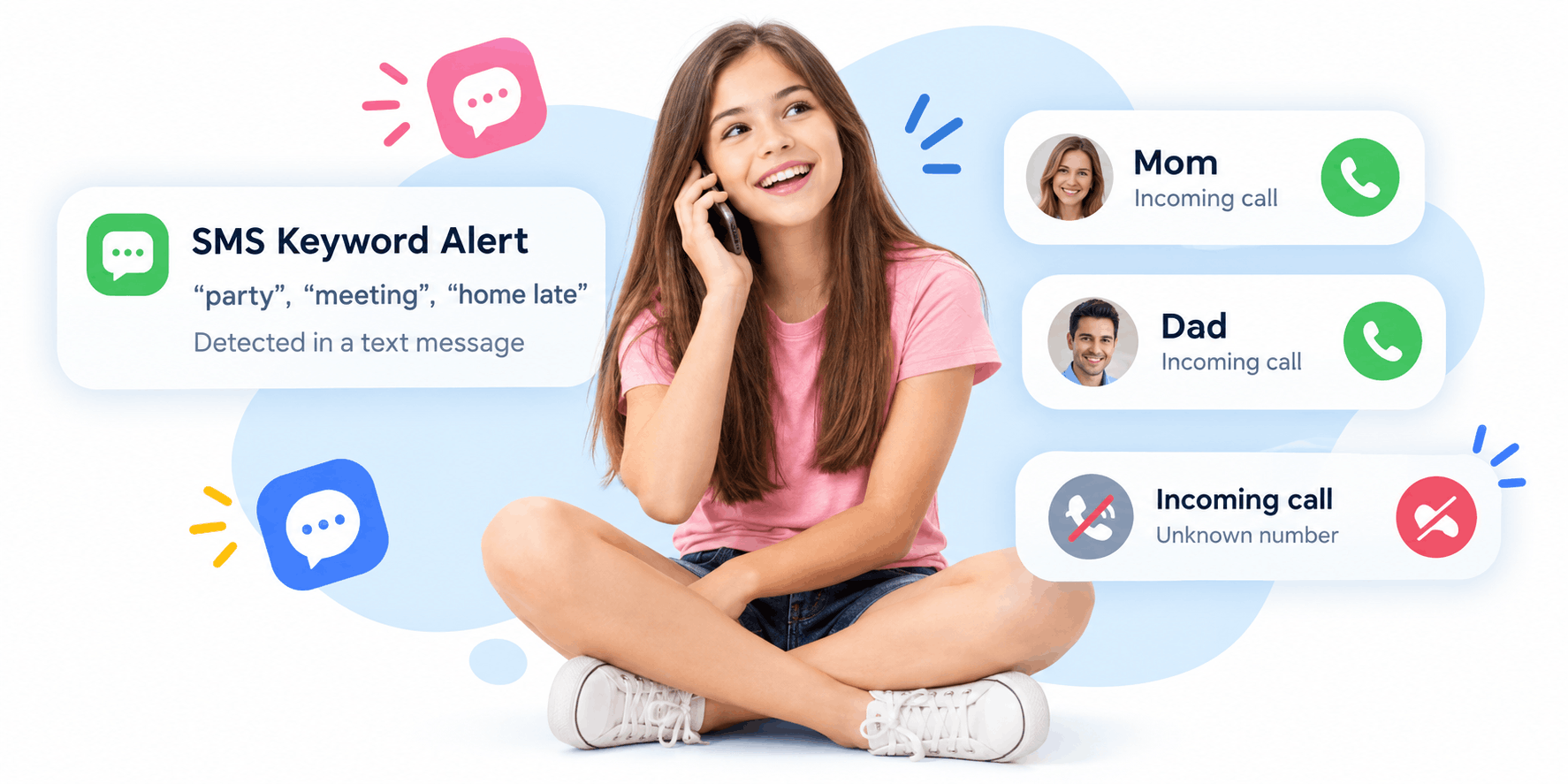
It is late, the house is finally quiet, and you are comparing parenting apps on your phone. One plan seems affordable. Another promises more features. A countdown beside a discount makes waiting feel like a mistake. You want help with something real, perhaps difficult evenings or uncertain pickups, and the purchase starts to feel like the first useful thing you have done about it.
Before entering payment details, give yourself permission to slow down. A family subscription should make an ordinary problem easier to manage. It should not leave you guessing about the bill, the installation, or what your child will experience. The best questions are practical enough to answer before money changes hands.
What problem am I paying to improve
Write down the situation that brought you here. Perhaps your child loses track of time after homework. Perhaps you need a clearer pickup routine. Perhaps you want to understand which apps are taking up the evening. Those needs can overlap, but they are not interchangeable.
Choose one outcome you could recognize in everyday life. For example, you might want to agree on when gaming ends and understand whether the chosen tool supports that agreement. A vague goal such as knowing everything creates an impossible buying brief. No feature list can define when that job is finished.
Include your child's perspective. Ask what currently causes friction and which arrangement would feel understandable. You are buying software that affects their device, not simply adding another private service to your own phone. An agreement discussed before purchase gives the technology a clearer role afterward.
Which exact product will I receive?
A brand can offer several apps, plans, or installation methods. Check the exact product name, the developer or seller, the supported operating system, and the destination from which the app will be installed. Similar branding does not establish that two versions contain the same functions.
Keep the comparison concrete. If you need Android support, record the child's device model and Android version. Ask about the particular capability that matters, rather than accepting a broad statement that the phone is supported. A compatible installation and a functioning individual feature are different questions.
TheOneSpy's comparison of Android app installation and parenting features provides a vendor's explanation of these distinctions. It can help frame questions about installation and permissions. Confirm the answers for the specific product you intend to buy, instead of transferring claims between apps that happen to share a company name.
What does the price actually cover
A large monthly figure can be part of a longer payment commitment. Look for the amount charged immediately, the period covered, the renewal arrangement, and any conditions attached to a discount. Write those details in your own words before continuing.
Ask how many children and devices are included. A family plan may sound suitable while covering a different number or type of devices than you need. Also check whether replacing a phone requires a transfer, an additional license, or support assistance. Do not assume the most expensive tier removes every restriction.
Separate the purchase from the hoped-for outcome. Paying for an app does not guarantee an easier bedtime or complete visibility into a child's online life. You are paying for defined functions under defined conditions. Clear limits make a purchase easier to evaluate without turning normal uncertainty into disappointment later.
Where will I manage the subscription?
Identify the billing route. A purchase through an app store and a purchase through a company's website may have different management screens and terms. Keep the receipt and use the instructions that apply to the transaction you actually made.
Google Play's subscription guidance makes one particularly useful distinction: uninstalling an app does not cancel its subscription. For purchases managed through Google Play, check the subscription controls associated with the relevant Google account. For another billing route, use that seller's documented cancellation process rather than assuming the same steps apply.
Make sure the adult responsible for payment knows where the receipt is stored. If another parent handles setup, share the practical billing information appropriately. A family should not discover months later that one person thought the other had canceled a service nobody was using.
What must happen before the app works
Read the setup requirements before purchase. Does the process require the child's phone to be present? Which permissions are needed? How will the app identify itself? What information will the device user see? A setup that depends on secrecy does not fit an open family agreement.
Allow for the time involved. An evening when everyone is tired and a school assignment is due may be a poor moment to change device settings. Plan a calm setup session with the child present, enough battery, and the provider's current instructions available.
Do not dismiss a security warning simply because you have already paid. Pause and investigate. Payment creates understandable pressure to finish, but it does not make an unclear installation step safer or more necessary. A trustworthy explanation should describe the purpose of the step and its implications.
How will we recognize that it works
Choose a small check connected to your main need. If you expect usage information, find out how it is presented and what its timestamps mean. If you expect a restriction, ask what happens when it applies and which exceptions remain. Avoid testing with urgent or sensitive situations.
Record what you observe without exaggerating it. A successful check on one afternoon does not prove that every function will work under every condition. Equally, an unexplained delay does not prove a child interfered. Start with the device status, the relevant permission, and the provider's explanation.
Have a fallback routine from the beginning. Continue agreed messages or calls for pickup. Keep the family conversation about evening habits. The app can support those arrangements, but a subscription should not become the only route through which a parent and child communicate.
What happens when we need help
Look for an accessible support route before you need it. Check whether setup guidance describes your platform and whether you can find answers without already being signed in. If a question affects the buying decision, ask it before purchase and keep the response.
A useful support question includes the device model, operating-system version, and the function you want to use. It does not need screenshots of private conversations or a large collection of personal information. Send only what is necessary and understand how attachments will be handled.
Evaluate the answer for clarity. Does it address your actual question? Does it explain an important limitation? A response that acknowledges uncertainty can be more useful than a confident promise covering every possible device. You need an answer that helps you decide, even when the answer is that a feature will not suit your situation.

 English
 Arabic
 French
 Portuguese
 Deutsch
 Turkish
 Dutch
 Italiano
 Russian
 Romaian
 Portuguese (Brazil)
 Greek
