


What to Do When Your ERP Doesn’t Support Your Business Requirements?
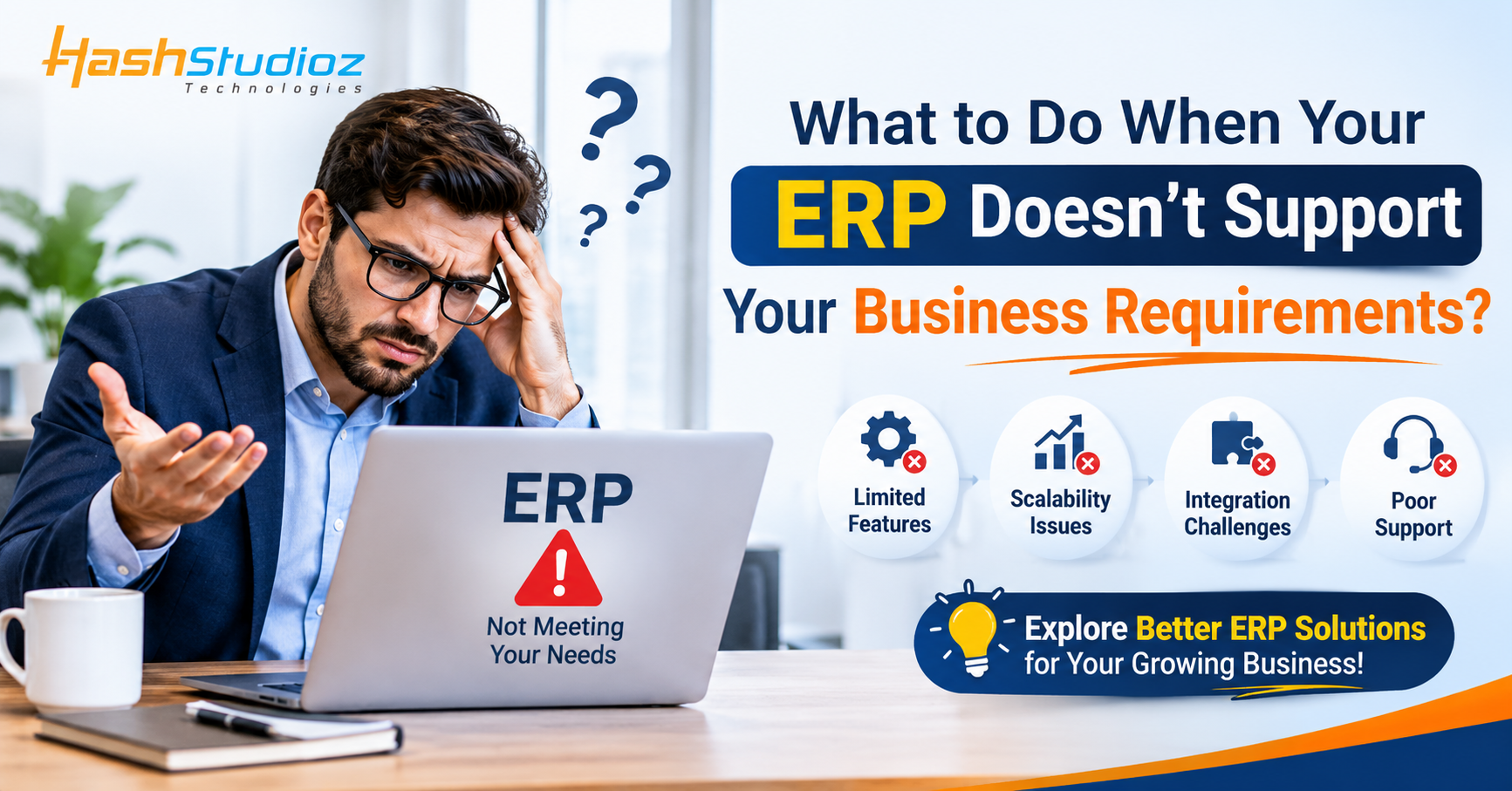
Every growing business reaches a point where its operational requirements become more complex. What worked perfectly when the company was small may no longer support its expanding workflows, increasing customer demands, or changing business processes.
You might notice that your ERP system cannot generate the reports you need, automate specific tasks, integrate with essential third-party applications, or support unique business operations. Employees may start relying on spreadsheets, manual data entry, and separate software to complete tasks that your ERP should ideally handle.
This is where Odoo becomes a flexible option. With its modular architecture and customization capabilities, Odoo allows organizations to adapt their ERP environment according to changing business requirements.
Through professional Odoo Development Services, businesses can extend standard functionality, automate complex workflows, integrate external applications, and develop solutions that better match their operations.
Identify Why Your Existing ERP Is Not Meeting Business Requirements
Before investing in a new ERP system or customization, it is important to understand exactly where your existing system is falling short.
Sometimes the problem is not the ERP software itself but the way it has been configured, implemented, or integrated into business operations.
Common Signs Your ERP System Needs Improvement
Here are some common situations that indicate your ERP may need additional functionality:
-
Limited customization: Your ERP does not support specific business workflows or approval processes.
-
Manual data management: Employees regularly use spreadsheets to complete ERP-related tasks.
-
Integration difficulties: Your system cannot communicate effectively with third-party applications.
-
Reporting limitations: Standard reports do not provide the information management needs.
-
Workflow inefficiencies: Employees perform repetitive activities that could be automated.
-
Scalability challenges: Your ERP struggles to accommodate additional users, departments, or business operations.
-
Poor user experience: Employees find the system difficult to navigate or use.
Understand the Root Cause Before Making Changes
For example, consider a manufacturing company that uses an ERP system to manage inventory and production.
As the company expands, it introduces additional quality inspection steps. However, its existing ERP does not support the required inspection workflow.
Employees begin maintaining quality records in separate spreadsheets.
The actual problem is not necessarily the entire ERP system. The missing functionality is a customized quality inspection workflow.
Identifying this gap helps the company focus on the right solution instead of replacing the entire system unnecessarily.
Evaluate Whether ERP Customization Is Better Than Replacement
When an ERP system cannot support specific business requirements, organizations generally consider two options: replacing the software or extending its existing capabilities.
Both approaches have advantages, but the right decision depends on the current system, business requirements, technical limitations, and long-term objectives.
When Should You Consider ERP Customization?
Customization may be suitable when:
-
Your existing ERP handles most core business operations.
-
Only a few workflows require additional functionality.
-
You need custom reports or dashboards.
-
Your business requires specialized approval processes.
-
You want to connect additional applications.
-
Your current ERP supports customization without compromising system stability.
When Is ERP Replacement Necessary?
Replacing an ERP system may be more appropriate when:
-
The existing platform is no longer supported.
-
Critical business processes cannot be accommodated.
-
The software has significant technical limitations.
-
Maintenance and upgrade costs are becoming difficult to manage.
-
The system cannot scale with future business requirements.
Make a Cost and Benefit Comparison
Before deciding, compare the expected investment, implementation time, operational disruption, maintenance requirements, and future scalability of each option.
For example, a distribution business may need a custom order approval process and additional inventory reports.
Developing these features within a suitable ERP platform may be more practical than migrating the company's entire database to another system.
The objective should be to choose the solution that delivers the greatest long-term business value.
Customize Your ERP to Match Unique Business Workflows
Every organization has its own operational structure. Standard ERP functionality may support common business processes, but some companies require specialized features to manage their daily activities.
Odoo offers customization capabilities that allow businesses to extend its existing applications and develop additional functionality.
Develop Custom Modules
Custom modules can introduce features that are not available in the standard configuration.
Examples include:
-
Industry-specific business applications.
-
Custom employee management workflows.
-
Advanced inventory tracking.
-
Specialized order management.
-
Custom quotation approval systems.
-
Additional manufacturing operations.
For instance, a logistics company may need a custom shipment tracking module that records delivery milestones, vehicle information, and shipment status.
A suitable custom Odoo module can bring these activities into the existing ERP environment.
Modify Existing Odoo Applications
Sometimes businesses do not need an entirely new module. They simply need adjustments to existing applications.
Odoo development can help modify relevant functionality, including:
-
Adding custom fields.
-
Modifying forms and views.
-
Creating additional menu options.
-
Adjusting business logic.
-
Extending existing workflows.
-
Customizing document layouts.
Practical example:
A sales organization wants additional information on its quotation forms, including customer-specific pricing conditions, delivery preferences, and internal approval details.
By extending the existing Sales application, developers can create a workflow that better matches the company's quotation process.
This reduces the need for separate documents and manual coordination.
Automate Business Processes That Still Depend on Manual Work
Manual processes can become a major challenge when businesses expand.
Employees may spend significant time entering information, generating reports, following up on approvals, and transferring data between applications.
ERP customization can help automate these activities.
Identify Repetitive Business Activities
Start by reviewing processes that employees perform repeatedly.
Common examples include:
-
Invoice generation.
-
Purchase order approvals.
-
Sales follow-ups.
-
Inventory notifications.
-
Employee leave approvals.
-
Customer notifications.
-
Document generation.
Create Customized Automation Workflows
Odoo supports configurable automated actions and workflows. Developers can extend these capabilities to handle more complex requirements.
For example, a company may want a purchase request to follow a specific approval process.
The workflow could operate as follows:
-
An employee submits a purchase request.
-
The request is forwarded to the department manager.
-
The manager reviews and approves or rejects it.
-
Approved requests move to the finance department.
-
Once the required approvals are complete, the purchasing team proceeds with the order.
-
Relevant users receive status notifications.
This approach makes the process more organized and improves visibility into approval activities.
Business benefit: Employees spend less time coordinating repetitive tasks and more time focusing on important operational responsibilities.
Integrate Third-Party Applications with Your ERP
Modern businesses rarely depend on a single software application.
They may use external platforms for eCommerce, payment processing, shipping, marketing, customer communication, analytics, and other specialized operations.
When these systems are disconnected, employees often need to transfer information manually.
Why ERP Integration Matters
Integrating external applications with your ERP can help:
-
Synchronize relevant business information.
-
Reduce duplicate data entry.
-
Improve order processing.
-
Connect customer records.
-
Automate selected business workflows.
-
Improve data accessibility.
Common Odoo Integration Examples
eCommerce Integration
Connect online stores with Odoo to manage relevant product, customer, sales order, and inventory information.
Payment Gateway Integration
Integrate supported payment providers to streamline online payment processing and transaction management.
Shipping Integration
Connect shipping platforms to manage delivery information, shipment updates, and tracking details.
CRM and Marketing Integration
Connect relevant marketing platforms to improve lead management and customer information workflows.
Third-Party API Integration
Use APIs to exchange information between Odoo and external business applications.
For example, an online retailer receives orders through its website but manages inventory through Odoo.
An appropriate integration can synchronize order information and inventory updates, reducing manual coordination between the two systems.
Build Custom Reports and Dashboards for Better Decision-Making
Standard ERP reports may not always provide the level of information business owners and department managers require.
Different organizations measure success using different performance indicators.
For example, a manufacturing company may prioritize production efficiency, while a retail business may focus on sales performance and inventory turnover.
Create Reports Based on Business Requirements
Customized Odoo reports can help businesses analyze information relevant to their operations.
Examples include:
-
Sales performance reports.
-
Inventory movement reports.
-
Customer purchase history.
-
Production efficiency reports.
-
Financial summaries.
-
Employee productivity reports.
-
Purchase and supplier analysis.
Develop Customized Business Dashboards
Dashboards can bring important performance indicators together in one place.
Consider a business owner who wants to monitor:
-
Total monthly revenue.
-
Pending customer orders.
-
Outstanding invoices.
-
Current stock availability.
-
Monthly expenses.
-
Sales team performance.
A customized dashboard can display these indicators through relevant charts, summaries, and data views.
This makes it easier for decision-makers to identify trends, monitor performance, and respond to operational challenges.
The information displayed should be based on accurate source records and clearly defined business metrics.
Improve ERP Scalability as Your Business Grows
Business requirements rarely remain the same.
As an organization expands, it may introduce new departments, additional locations, more employees, and complex operational workflows.
An ERP system should be capable of adapting to these changes.
Extend ERP Functionality Gradually
Instead of introducing every feature at once, businesses can expand their ERP capabilities in stages.
For example:
-
Initially implement CRM and Sales.
-
Add Accounting and Inventory as operational needs increase.
-
Introduce Purchase and Manufacturing applications.
-
Develop custom modules for specialized requirements.
-
Integrate external systems as business operations expand.
This modular approach helps businesses introduce functionality according to their priorities.
Plan for Future Requirements
Before developing custom features, consider how they will perform as data volumes, transaction counts, and user numbers increase.
Good development practices include:
-
Building reusable modules.
-
Following appropriate Odoo development standards.
-
Maintaining clean and structured code.
-
Avoiding unnecessary modifications to standard functionality.
-
Testing custom features before deployment.
-
Planning for future Odoo version upgrades.
Working with an experienced Odoo Development Company can help businesses build solutions that support both current operations and future expansion.
Why Businesses Choose Professional Odoo Development Services
Odoo provides a flexible ERP environment, but implementing advanced business requirements often requires technical expertise.
Professional development helps organizations translate their operational needs into practical software functionality.
Business Requirement Analysis
Developers and consultants first understand the company's existing processes, identify system limitations, and define the required functionality.
This helps prevent unnecessary customization.
Custom Module Development
Professional developers can create modules that extend Odoo functionality and support specialized business workflows.
Odoo Version Migration
Businesses using older Odoo versions may require migration to newer releases.
A structured migration process helps transfer relevant business information and adapt custom functionality to the target version.
Performance Optimization
As business data and application usage increase, performance may become an important concern.
Developers can evaluate database queries, custom code, application configurations, and server resources to identify possible improvements.
Integration and Technical Support
Professional development teams can help connect external applications, resolve technical issues, and maintain custom functionality.
Choosing the right Odoo Development Company helps organizations create an ERP environment that is aligned with their operational goals.
How Customized Odoo Solves Real Business Challenges
Consider a growing manufacturing company that uses an ERP system to manage sales, inventory, purchasing, and production.
As its operations expand, the company identifies several limitations:
-
Existing production workflows do not support additional quality checks.
-
Inventory reports do not provide the required material consumption details.
-
Purchase approvals are managed through email.
-
Management needs a customized production performance dashboard.
Instead of replacing the entire ERP system, the company evaluates the possibility of extending its existing Odoo environment.
The Customized Solution
The development team implements several improvements:
1. Custom Quality Inspection Module
A specialized workflow is introduced to record quality inspection details at relevant production stages.
2. Advanced Inventory Reports
Customized reports provide additional visibility into material consumption and stock movements.
3. Automated Purchase Approvals
A structured approval workflow reduces manual coordination between departments.
4. Production Performance Dashboard
Management receives a centralized view of selected production indicators.
The Business Outcome
The company gains a more suitable ERP environment without unnecessarily rebuilding its entire technology infrastructure.
Employees can manage additional business requirements through Odoo, while management gains better visibility into important operational activities.
The exact results depend on implementation quality, process adoption, and the company's existing technical environment.
Actionable Tips Before Customizing Your ERP System
ERP customization can provide significant value when planned correctly. However, unnecessary development may increase complexity and long-term maintenance costs.
Follow these practical recommendations before starting your project.
1. Document Your Business Requirements
Prepare a clear list of missing features, existing challenges, and expected outcomes.
2. Evaluate Standard ERP Features First
Check whether existing Odoo functionality or configuration options can solve the problem before developing custom code.
3. Prioritize High-Impact Requirements
Focus first on features that improve productivity, reduce operational errors, or solve major business bottlenecks.
4. Choose Experienced Developers
Look for a development team with experience in Odoo modules, integrations, customization, and version migration.
5. Consider Future Scalability
Ensure that custom functionality can accommodate changing business requirements.
6. Test Before Deployment
Perform functional, integration, security, and performance testing before introducing changes into the live environment.
7. Maintain Proper Documentation
Document custom modules, integrations, configurations, and workflows to make future maintenance easier.
8. Plan for Regular Maintenance
Review custom functionality periodically and ensure compatibility with future Odoo updates.
Conclusion
When your ERP system no longer supports your business requirements, replacing the entire platform is not always the best solution.
In many situations, customization, automation, integration, and additional development can help transform an existing ERP environment into a system that better supports your operations.
Odoo provides the flexibility to extend standard applications, develop custom modules, connect external platforms, and build specialized workflows according to business needs.
However, successful customization requires proper planning, technical expertise, and a clear understanding of business objectives. With a professional Odoo Development Company, organizations can overcome ERP limitations, improve operational efficiency, and build technology solutions that support long-term growth.

 English
 Arabic
 French
 Portuguese
 Deutsch
 Turkish
 Dutch
 Italiano
 Russian
 Romaian
 Portuguese (Brazil)
 Greek
