


Tax Preparation Automation for CPA Firms: What to Know Before You Switch
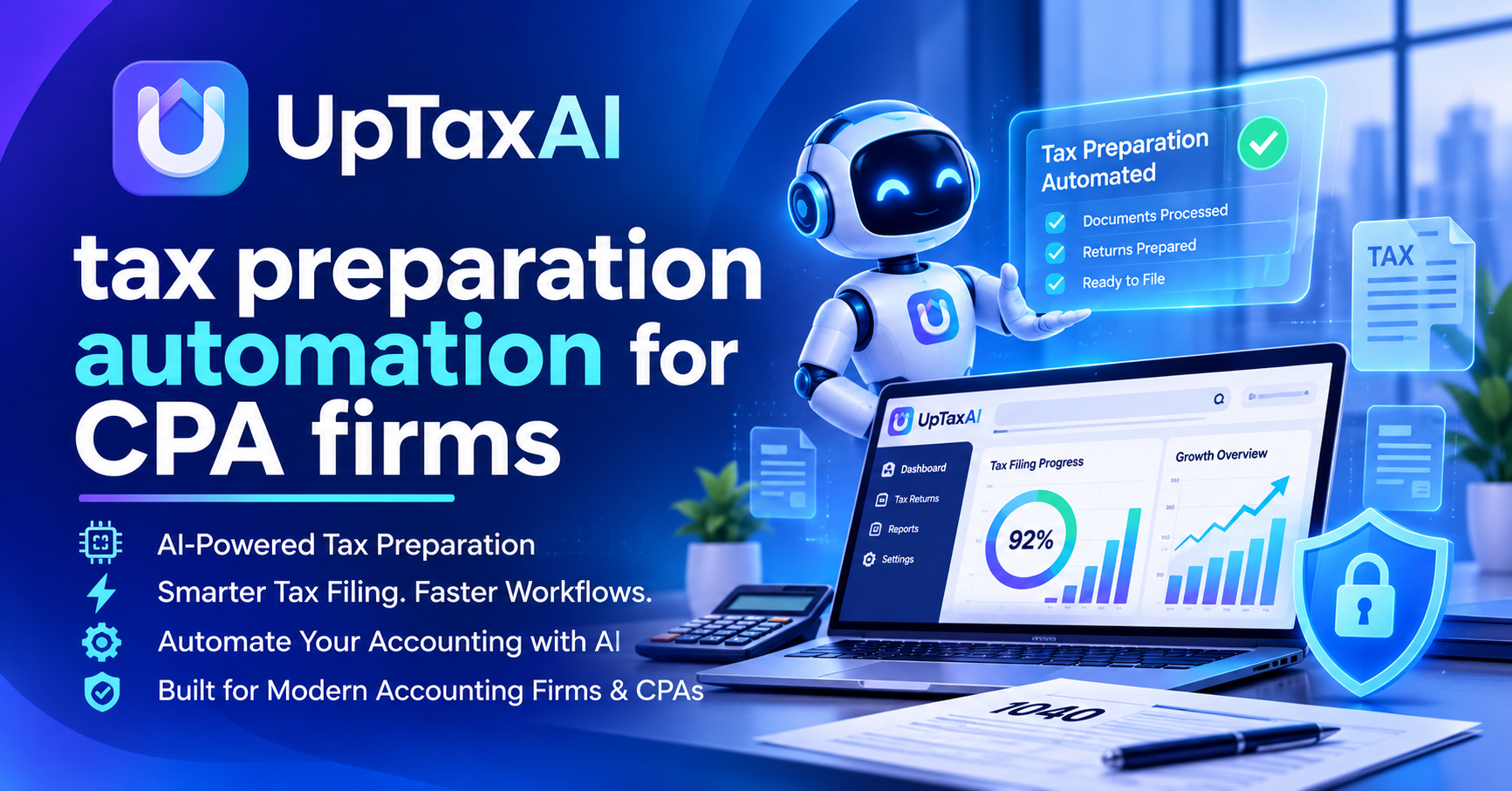
Here we are in the 2nd week of March, and your team has their hands full with K-1’s, brokerage statements and half scanned W-2’s. Is this scenario sounding familiar?
Most firms are experiencing challenges from the back office administrative tasks, such as endless keystrokes and check chasing rather than an absence of tax expertise. Tax prep automation for CPA Firms solves these problems.
What Tax Preparation Automation Really Means
Tax preparation automation for CPA firms is the use of software to handle the repetitive parts of return prep: collecting client documents, pulling numbers off them, organizing the data, and flagging anything that looks off. Your preparers still make the judgment calls. The software just clears the pile of busywork sitting in front of them.
Rules-based tools versus AI
Older systems have rigid rules that force numbers into predetermined fields based on which box they appear in. With newer technology powered by artificial intelligence (AI), the program can analyze all types of documentation, recognize how a firm operates, and flag odd entries.
What stays human
Tax planning, client advice, and sign-off on every return stay with a licensed professional. Automation supports that work. It doesn't replace it.
Why CPA and EA Firms Are Making the Move
The busy season squeeze
The number crunching has been going on non-stop since tax season started (March 15 for 1065’s and 1120s), with only a few short weeks between this deadline and the next big one, April 15th (most other forms are due then).
Although extensions can be filed, those only move your submission date into September & October.
The talent gap
Hiring qualified staff is harder than ever, and plenty of firms are running lean. Automation lets a small team handle more returns without burning people out. tax preparation software for CPA firms It also makes seasonal help easier to onboard, since there's less rote work to teach.
Where Automation Helps Across Return Types
-
Form 1040: pulls data from W-2s, 1099s, and 1098s, and carries prior-year details forward
-
Forms 1065 and 1120S: speeds up K-1 preparation and moves partner or shareholder data into owners' individual returns
-
Form 1120: maps trial balance data to the right lines and schedules
-
Form 1041: organizes income and distributions for trusts and estates
-
Form 990: gathers financial data for nonprofit clients so schedules aren't rebuilt from scratch every year
The common thread is less retyping. When a K-1 from a partnership return feeds straight into the owner's 1040, you remove one of the most error-prone handoffs in the whole process.
What to Look for in Tax Preparation Software for CPA Firms
-
Accuracy you can verify, with clear audit trails and links back to source documents
-
Integration with your practice management, document portal, and e-file tools
-
Strong security, including encryption, access controls, and alignment with the FTC Safeguards Rule and your written information security plan
-
A review workflow that flags exceptions instead of hiding them
-
Training and support from people who understand tax work
There isn’t one “best” tax filing software option for CPAs — what’s right for a five-person EA practice won’t work as well for a regional firm handling dozens of entity types.
Identify which task takes up the most time for you and try out each tool using real (anonymized) returns until you find the perfect fit. Ask about IRS e-file requirements and Section 7216 client consent while working with vendors, too.
How to Roll It Out Without Chaos
Start small
Pick one return type, maybe straightforward 1040s with W-2 and 1099 income, and run the new process alongside your usual one for a few weeks. Compare the time spent and the errors caught. Early wins build buy-in from the team faster than any memo will.
Train the team and keep review tight
Preparers need to know what the software does well and where they should double-check. Keep your normal review steps in place. Automation speeds up the first draft, but a licensed pro should still own the final return.
Tax rules and IRS guidance change often, so it's worth confirming current requirements with a licensed CPA or EA, or checking IRS-gov, before you build a process around any one setup.
Final Thoughts
When thinking about automating tax preparation for CPA firms, don’t get excited by the shiny technology but rather focus on how it empowers your team members with time savings as they work on activities most valued by clients.
Also reads about: https://sociomint.com/blogs/62414/Ready-to-Automate-Pick-the-Best-AI-Tax-Software-for
Frequently Asked Questions
What is tax preparation automation for CPA firms?
It is the use of software, sometimes with the help of AI, to complete the tedious process of preparation by pulling information from the clients’ paperwork, arranging it in order, and pointing out possible mistakes.
Is automated tax preparation accurate enough for client returns?
It is highly accurate, although it would be best used in combination with human verification.
Can small EA and bookkeeping practices use automation?
Certainly. The fact is that many tools can be scaled down to smaller sizes, and for small offices, it really pays off since they have a lot of return customers.
Does it work for business returns like 1120S and 1065?
Several systems can support business and pass-through returns, including K-1 processing. Consider how a system can manage multiple entities and state filing when using one.
How do firms keep client data secure when using automation?
Look for encryption, role-based access, and clear data handling policies. Firms should also keep their written information security plan current and follow IRS and FTC safeguarding guidance.

 English
 Arabic
 French
 Spanish
 Portuguese
 Turkish
 Dutch
 Italiano
 Russian
 Romaian
 Portuguese (Brazil)
 Greek