


Benefits of PST to MBOX Converter Software
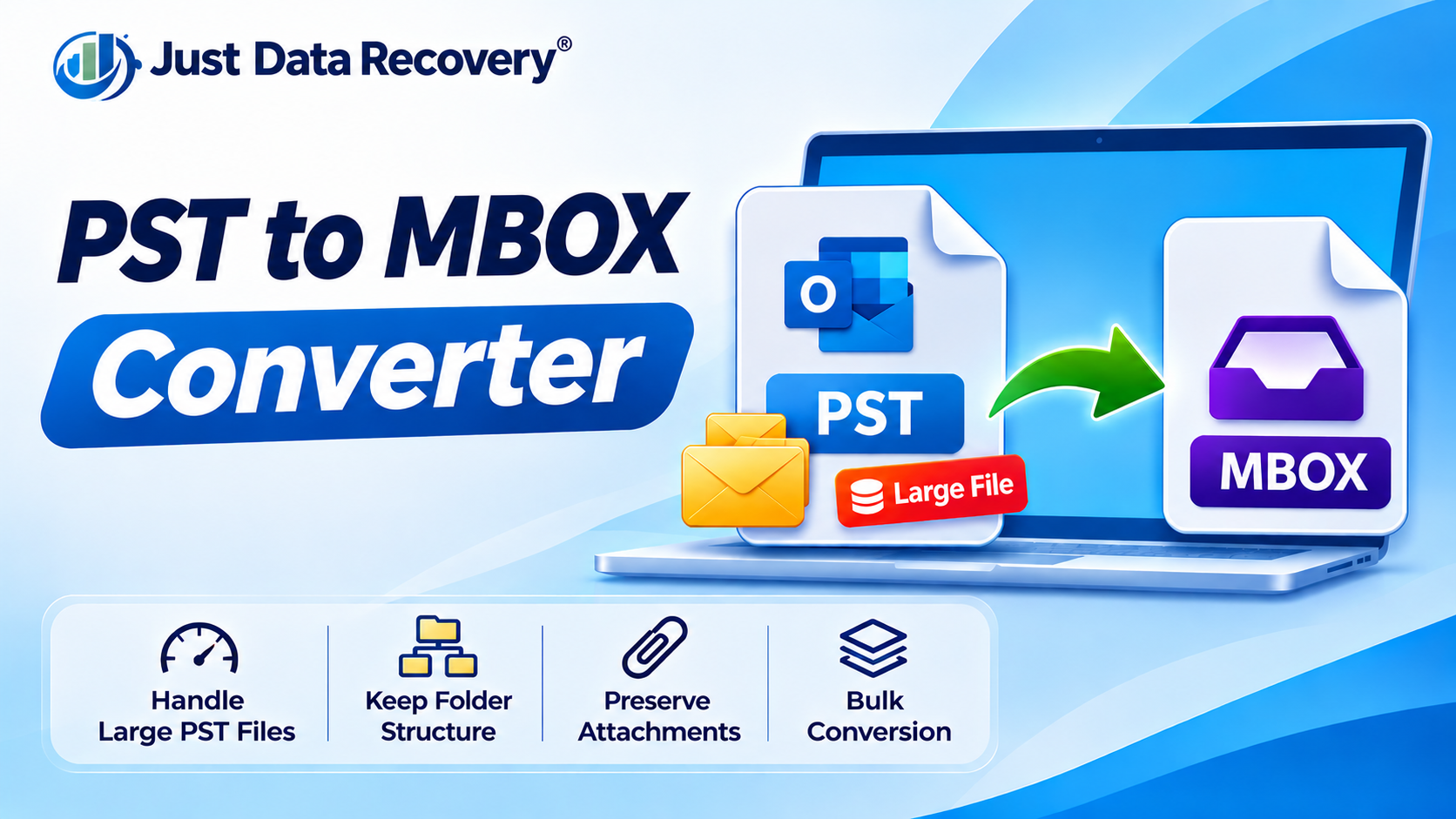
Managing email data becomes challenging when users switch between email applications, upgrade their systems, or need to access old mailbox archives. Microsoft Outlook stores email information in PST (Personal Storage Table) files, while applications such as Mozilla Thunderbird support the MBOX mailbox format. Moving emails between these environments requires a suitable conversion process.
This is where PST to MBOX converter software becomes useful. It helps users transform Outlook mailbox data into an MBOX-compatible format, making it easier to prepare emails for migration to another supported email client.
Whether you are an individual user, IT professional, or business administrator, the right conversion tool can simplify email migration and reduce repetitive manual work. In this guide, we explore the major benefits of PST to MBOX converter software, its practical applications, and the features worth considering before choosing a solution.
What Is PST to MBOX Converter Software?
PST to MBOX converter software is a desktop application designed to convert email data stored in Outlook PST files into MBOX mailbox files.
A PST file may contain emails, attachments, and mailbox folders. MBOX is a mailbox format supported by several email applications, including Mozilla Thunderbird.
Because Outlook does not provide a standard direct PST-to-MBOX export option, users generally need an intermediate export workflow or dedicated conversion software.
Depending on the product, a converter may offer features such as mailbox preview, selective folder conversion, batch processing, and local output storage.
10 Major Benefits of PST to MBOX Converter Software
1. Simplifies Email Migration
One of the main benefits of PST to MBOX converter software is that it simplifies the process of preparing Outlook emails for another email application.
Instead of manually handling multiple export and import steps, users can use a dedicated tool to generate MBOX files from supported PST data.
This can be particularly useful when moving email archives to Thunderbird or another application that supports MBOX.
2. Saves Time and Manual Effort
Manual email migration may involve several applications, intermediate formats, and configuration steps. These tasks can become time-consuming when dealing with multiple folders or large mailboxes.
Dedicated converter software may streamline the workflow by providing a guided process for selecting PST files, choosing an output format, and saving converted data.
Some products also support batch conversion, which can reduce repetitive work when multiple PST files need processing.
3. Helps Manage Large Email Archives
Outlook PST files can contain years of email communication, including large attachments and extensive folder structures.
For users managing large archives, a converter with suitable file-size support and processing capabilities can make migration more manageable.
However, performance depends on the software, PST file condition, computer hardware, and available disk space. Users should check product limits before processing large mailboxes.
4. Supports Migration to Thunderbird
Thunderbird supports MBOX mailboxes, making MBOX a useful format for users moving email data from Outlook.
PST to MBOX converter software can prepare Outlook email messages for import into Thunderbird through a compatible import method.
This is especially helpful for individuals and organizations that want to access historical Outlook emails in another desktop email client.
5. Provides Selective Folder Conversion
Some converter applications allow users to select specific mailbox folders instead of converting the entire PST file.
For example, a user may only need Inbox, Sent Items, or selected project folders.
Selective conversion can help reduce unnecessary output and make migration easier to organize. Check whether the software supports folder selection before choosing it.
6. Offers Batch Conversion Capabilities
Businesses and IT administrators may need to migrate several PST files belonging to different employees or departments.
Software with batch-processing functionality can help handle multiple files within a single workflow, depending on its supported limits.
This can make larger migration projects more organized and reduce repetitive manual operations.
7. Helps Preserve Email Attachments
Business and personal emails frequently contain important attachments, including documents, spreadsheets, images, and invoices.
Many PST to MBOX converters support attachment handling during email conversion. This can help users retain access to files associated with their messages.
However, attachment preservation should never be assumed. Results depend on the converter and its settings. Always inspect sample messages and open their attachments after conversion.
8. Provides a More Convenient Workflow for Non-Technical Users
Some users find email migration difficult because it involves unfamiliar file formats and application settings.
A converter with a clear interface, guided steps, and preview options can make the process easier to understand.
Users should still follow the software instructions and verify the output before relying on the converted mailbox.
9. Can Support Local Email Data Processing
Some desktop PST to MBOX converters process mailbox files locally rather than requiring users to upload them to an online conversion service.
This may be beneficial when working with confidential business correspondence or personal email archives.
However, offline processing and privacy features vary between products. Review the application's privacy policy, network requirements, and data-handling practices before using it with sensitive information.
10. Helps Organize Email Migration Projects
A dedicated converter can provide a repeatable process for handling Outlook email archives.
Features such as file selection, folder preview, output-location settings, and batch processing may help IT teams organize migration activities.
For business projects, administrators should also maintain migration records, preserve original PST backups, and verify the converted mailboxes.
Important Features to Look for in PST to MBOX Converter Software
Not every converter provides the same capabilities. Before selecting a tool, consider these important features.
| Feature | Business or User Benefit |
|---|---|
| PST file compatibility | Helps process supported Outlook data files |
| MBOX export | Creates mailbox files for compatible email clients |
| Email preview | Allows users to inspect source data |
| Selective conversion | Helps convert chosen folders |
| Batch processing | Can simplify multiple-file migration |
| Attachment handling | Helps retain access to email attachments |
| Windows compatibility | Supports the intended computer environment |
| Local processing | May reduce the need to upload mailbox data |
| Output location selection | Helps organize converted files |
Check the product documentation for actual feature availability, supported file sizes, and system requirements.
Who Can Benefit from PST to MBOX Converter Software?
Individual Users
People switching from Outlook to Thunderbird may use a converter to prepare their existing email archives for migration.
Small Businesses
Small organizations can use conversion tools to manage historical Outlook mailboxes when changing email applications.
IT Administrators
IT professionals may find batch conversion and folder-selection features useful when managing multiple PST archives.
Educational Institutions
Institutions that maintain historical email records may use PST to MBOX conversion as part of a broader email archive migration process.
Technical Support Teams
Support teams may need to access older Outlook messages in an alternative email client for reference or troubleshooting.
Best Practices for Using PST to MBOX Converter Software
To make email migration more reliable, follow these precautions:
-
Create a backup: Keep an unchanged copy of the original PST file before conversion.
-
Check software compatibility: Confirm that the converter supports your Windows version and PST file type.
-
Test a small mailbox: Run a sample conversion before processing large archives.
-
Check attachments: Open sample messages and verify that their attachments are accessible.
-
Review folder structure: Confirm that important folders and subfolders appear as expected.
-
Ensure sufficient storage: Large PST files and converted MBOX output may require substantial disk space.
-
Protect confidential data: Use trusted software and review its privacy practices.
-
Keep original files: Do not delete PST backups until migration verification is complete.
Remember that MBOX primarily stores email messages. Contacts, calendars, tasks, and other Outlook items may require separate migration procedures.
Frequently Asked Questions
1. What is the main benefit of PST to MBOX converter software?
Its main benefit is simplifying the conversion of Outlook email data into MBOX format, which can then be imported into compatible email applications such as Thunderbird.
2. Can PST to MBOX converter software save time?
Yes. A dedicated tool may reduce manual export and conversion steps. Batch-processing features can be particularly useful when handling multiple PST files.
3. Can I convert multiple PST files at once?
Some converters support batch conversion. Check the product specifications for supported file counts and size limits.
4. Does PST to MBOX conversion preserve attachments?
Many tools support attachments, but results depend on the software and its settings. Always verify attachments after conversion.
5. Can I use a PST to MBOX converter without Outlook installed?
Some dedicated converters can process PST files without Outlook installed. Check the selected software's system requirements.
6. Is MBOX compatible with Thunderbird?
Yes. Thunderbird supports MBOX mailboxes, although importing an MBOX file may require a compatible import method or extension.
Conclusion
PST to MBOX converter software offers several practical benefits for users who need to migrate Outlook email archives. It can simplify conversion, reduce manual work, support batch processing, and prepare email messages for use in MBOX-compatible applications.
For businesses and individuals managing important email records, the most suitable solution should offer the required PST compatibility, attachment handling, folder-selection options, and a reliable conversion workflow.
Before choosing any tool, review its features, create a backup, and test the output with sample mailbox data.

 English
 Arabic
 French
 Spanish
 Portuguese
 Deutsch
 Turkish
 Dutch
 Italiano
 Russian
 Portuguese (Brazil)
 Greek