


Why Use an Online PDF Editor? 7 Key Benefits You Should Know
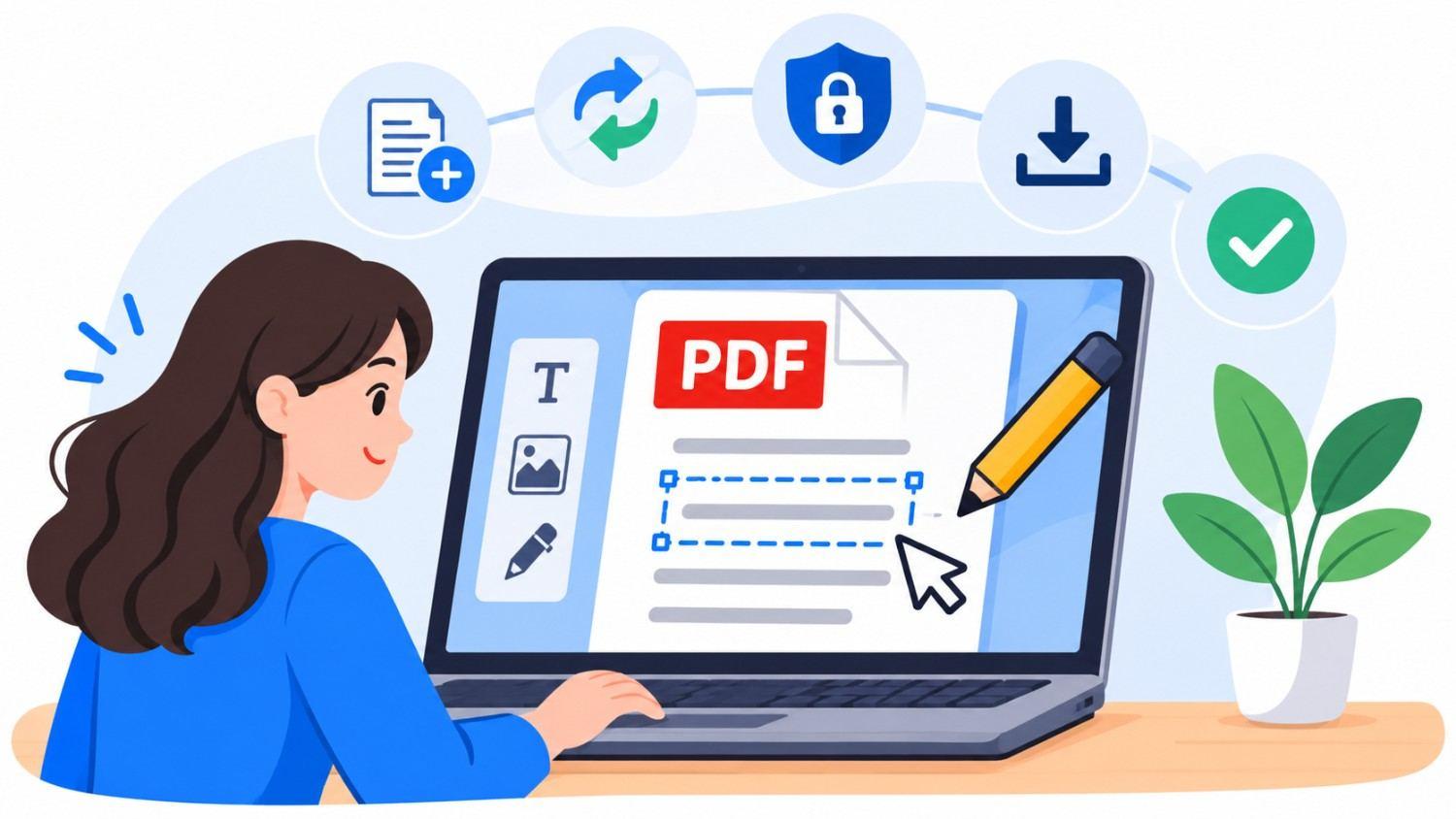
PDF files are used every day for work, education, business, and personal tasks. From sharing invoices and preparing reports to submitting assignments and signing contracts, PDFs make document sharing simple. However, editing these files can sometimes become difficult. You may need to correct a spelling mistake, update old information, add a signature, or remove an unnecessary page. Without the right tool, even a small change can take extra time.
This is where an editor de pdf becomes useful. An online PDF editor allows you to make changes to PDF documents directly through your web browser without installing complicated software. Whether you are a student, freelancer, office employee, or business owner, it can make everyday document management easier. Let's explore seven important benefits of using an online PDF editor and understand why it can be a practical choice.
1. Edit PDF Files Without Installing Software
One of the biggest advantages of an online PDF editor is convenience. Traditional desktop programs often require downloading, installing, and updating software. This can take time and use valuable storage space.
With an online tool, you can open a website, upload your document, and start working. You do not need to install a separate application on your computer. This is especially helpful when you are using a shared computer or working from a device that has limited storage.
An editor de pdf online makes document editing accessible whenever you have a compatible device and an internet connection. You can handle basic PDF tasks without changing your usual workflow.
2. Save Time on Everyday Document Tasks
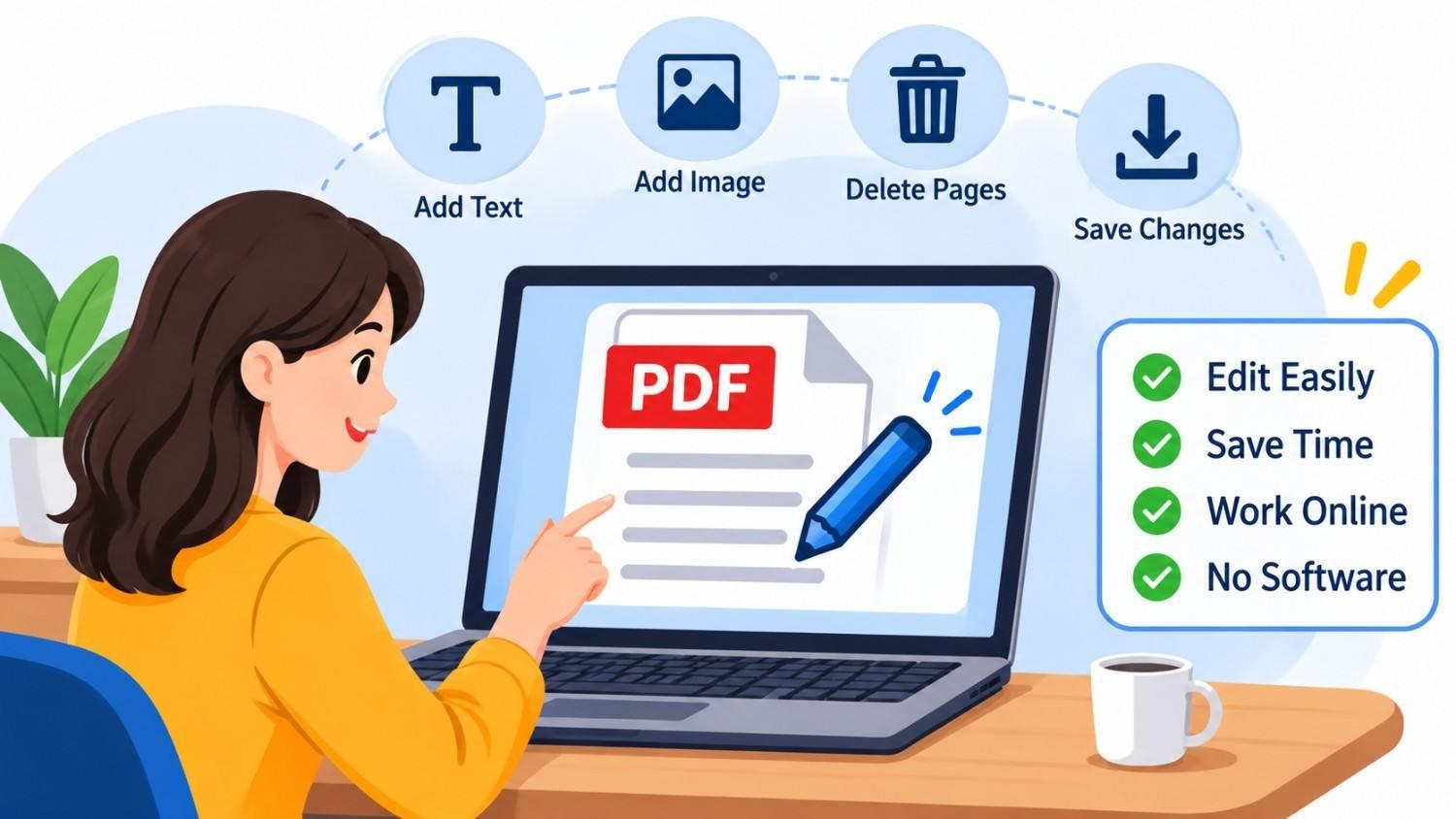
Small document changes can become frustrating when you do not have the right software. For example, correcting a date, adding missing information, or removing an unwanted page should not require recreating the entire document.
A reliable pdf editor helps simplify these tasks by bringing useful editing features together in one place. Depending on the available tools, you can add text, insert images, organize pages, highlight important information, and make other adjustments.
This saves time for professionals who regularly manage reports, students preparing assignments, and businesses handling customer documents.
3. Convert PDFs into Editable Documents
Sometimes, editing a PDF directly is not the easiest option. You may need to change larger sections of text, update a complete report, or reuse information from an existing document.
In these situations, converting a file using a pdf to editable pdf online solution or another suitable PDF conversion tool can help. For example, converting a PDF into a Word document allows you to make more extensive changes using a familiar word processor.
After editing, you can save the updated document and convert it back into PDF format if needed.
Keep in mind that conversion quality depends on the original PDF. Documents containing scanned pages, unusual fonts, or complex layouts may require OCR or additional formatting adjustments.
4. Access PDF Editing Tools from Different Devices
Another useful benefit is device flexibility. You may work on a Windows computer in the office, use a Mac at home, or check documents on your smartphone while travelling.
An online pdf modifier online tool can make these tasks easier because it works through a web browser. You do not necessarily need the same software installed on every device.
This flexibility is useful for remote workers, freelancers, students, and teams that regularly move between different devices. As long as the tool supports your browser and device, you can access its features when required.
5. Reduce Document Management Costs
Not everyone needs expensive desktop PDF software. Students, small businesses, and freelancers often require only basic editing and document management features.
Choosing a free online tool can help reduce software expenses. Many platforms offer options to editar pdf online gratuito, such as adding text, signing documents, or organizing pages without purchasing a subscription.
For example, PDF Techno provides a collection of free online PDF tools that help users manage common document tasks. Its tools cover activities such as merging, splitting, compressing, converting, and editing PDFs.
Before choosing a service, check which features are available for free and whether any usage limits apply.
6. Make Document Editing Easier for Everyone
You do not need advanced technical knowledge to work with PDF documents. A well-designed online editor usually provides a straightforward interface with clear options and simple instructions.
Even beginners can learn how to editar pdf gratuito files for everyday needs. You might want to add a comment to a school assignment, highlight important information in a business report, or sign a form before sending it.
Many tools also support tasks that make it easier to editar pdf online gratis, helping users complete basic document changes without learning complicated software.
However, editing capabilities can differ between platforms. Always check whether the tool supports the particular change you want to make.
7. Improve Document Sharing and Workflow Efficiency
PDF files are popular because they preserve document formatting across different devices. Combining this benefit with online editing makes document sharing more efficient.
For example, imagine receiving a business agreement that needs a few corrections before it can be shared. Instead of printing the file, making handwritten changes, and scanning it again, you can use an online tool to make supported changes digitally.
The same approach works for invoices, application forms, presentations, and educational documents.
Using an online edit pdf solution can also reduce unnecessary back-and-forth between team members. Everyone can work with an updated digital copy instead of managing several printed versions.
How to Choose the Right Online PDF Editor
Not every PDF editing website offers the same features. Before uploading your documents, consider these important points:
-
Easy interface: Choose a tool that is simple to understand and navigate.
-
Useful features: Check whether it supports editing, signing, merging, splitting, and conversion.
-
File security: Look for HTTPS encryption, clear privacy policies, and information about file storage and deletion.
-
Device compatibility: Make sure the tool works with your computer, tablet, or smartphone.
-
Transparent pricing: Check whether essential features are genuinely free or require payment.
Security deserves special attention. Avoid uploading highly confidential documents to unfamiliar websites. Review the service's privacy policy and understand how your files are handled before using it.
Conclusion
An online PDF editor can make everyday document management faster, simpler, and more convenient. From correcting text and converting files to signing documents and organizing pages, these tools help users complete common tasks without installing complicated software.
Whether you need to edit a school assignment, update a business report, or prepare an important form, choosing the right editor de pdf can save time and effort.
PDF Techno offers a range of free online PDF tools designed to simplify document-related tasks. By choosing a tool that matches your needs and following basic security practices, you can manage your PDF files more efficiently from almost anywhere.

 English
 Arabic
 French
 Spanish
 Portuguese
 Deutsch
 Turkish
 Dutch
 Russian
 Romaian
 Portuguese (Brazil)
 Greek
