


How Android Battery Optimization Can Affect Delta Executor in the Background
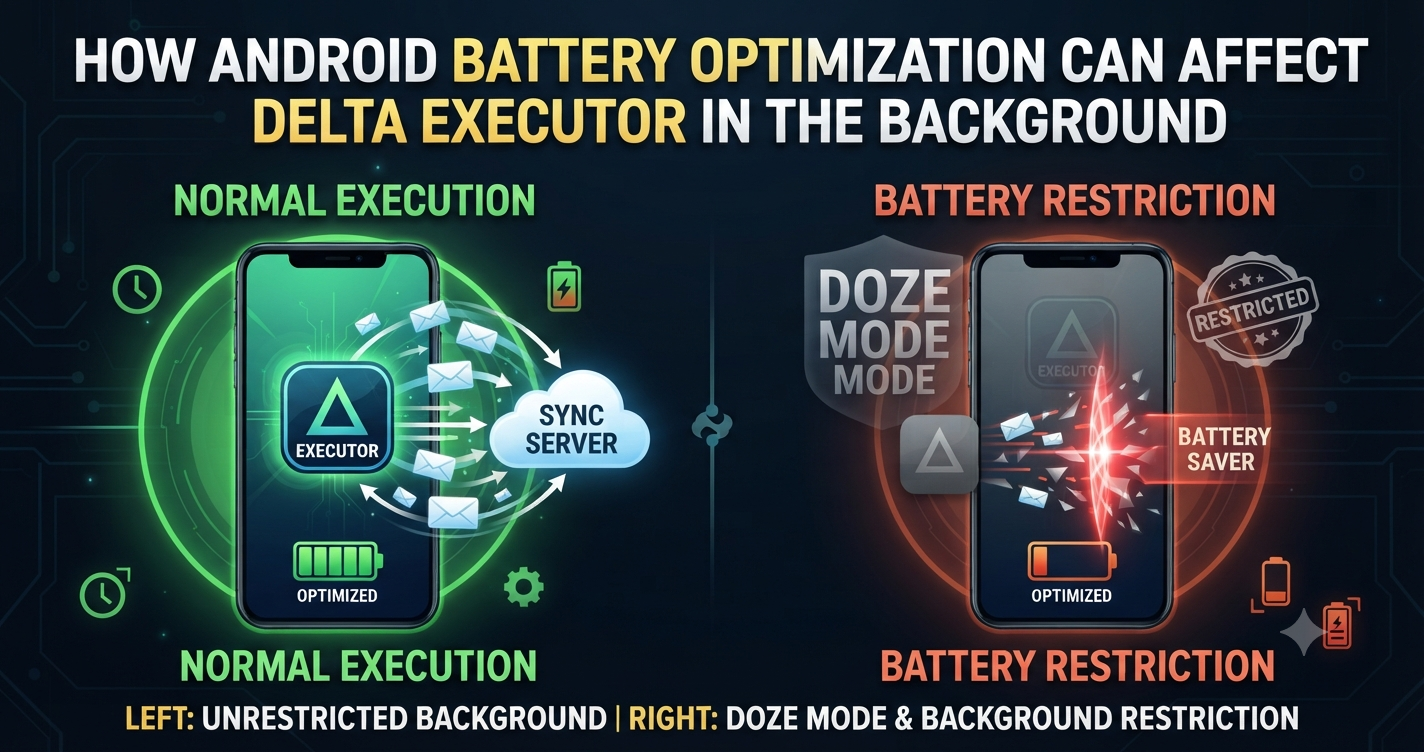
Android devices have battery optimization features that are used to minimize power consumption and increase battery life. These features restrict background apps, restrict actions, and control how much power an app can consume while in the background. This can help your device last longer, but it can sometimes affect how apps behave in the background.
If you are a user exploring Delta Executor for Android, you might find that an app will stop responding, reload, or become inactive after you switch to another app. There could be some reasons like battery optimization, but there could also be internet problems, limited memory, and software compatibility. Understanding how Android manages background activity can help users identify the cause.
1. What Is Android Battery Optimization?
Battery optimization is a built-in Android feature that helps reduce unnecessary power use. It manages applications that continue running when users are not actively using them.
For example, Android may limit background activity when an app stays unused for a long time. This helps prevent applications from using battery power without a clear need.
Depending on the device and Android version, these restrictions may affect background processing, network activity, and certain notifications.
2. How Background Restrictions Work
Android does not treat all applications the same. It can rank apps according to usage frequency, power consumption, and the battery level of the device at the moment.
The system may limit the application’s access to resources when it is moved to the background. This means some activities may pause or restart when the user opens the app again.
These limitations are part of Android’s power management system. “[They] are designed to preserve battery life and keep the device running smoothly.”
3. Common Signs of Battery Optimization Issues
If an application behaves differently after being minimized, battery management may be one possible cause.
Common signs include:
- The application reloads when opened again.
- Certain background activities stop unexpectedly.
- Notifications arrive later than expected.
- The application becomes inactive after a period.
- Some tasks restart when the screen is turned on.
However, these symptoms do not always mean battery optimization is responsible. A weak internet connection, application error, or low available memory can cause similar problems.
4. How Device Manufacturers Manage Background Apps
The manufacturers of Android phones have their own battery systems. Other devices have other limitations for apps that stay in the background.
These settings can include automatic app sleeping, background activity limits, and power-saving modes. Therefore, two different phones running Android may behave differently with the same app.
Users can view what restrictions are active in their device’s official battery settings. Don't change system options you don't know what they do.
5. Android and iOS Have Different Power Rules
Android and iOS manage background applications in different ways. Their application formats, security systems, and power management rules are not interchangeable.
For example, Delta direct install IPA refers to an iOS-related application package, not an Android battery setting. An IPA file cannot be treated as a normal Android application package. Its name also does not confirm that it is safe or officially supported.
Always check the operating system requirements before considering any application. Avoid unknown installation profiles and files that ask you to bypass device security.
6. How to Identify the Actual Cause
Before changing battery settings, check other possible reasons for background problems.
-
Review battery settings: Check whether the device is using a power-saving mode.
-
Check memory: Close unnecessary applications if available RAM is low.
-
Test the connection: Confirm that Wi-Fi or mobile data is stable.
-
Review storage: Make sure the device has enough free space.
-
Check updates: Install official Android updates when available.
Make one change at a time so you can understand whether it affects the problem.
7. Why Battery Restrictions Should Not Be Disabled Carelessly
It helps to manage the device’s resources and protects the battery life. Turning off restrictions for all apps might increase background activity and battery drain.
Never disable security defenses or install unknown battery management utilities just to keep a third-party app running. An app that doesn’t support your device's background rules may not work reliably.
Roblox Studio is the environment supported for Roblox development where you create experiences and learn Luau scripting.
Conclusion
Android battery optimization could limit background app activity, access to the network, and system resource usage. This can cause some apps to pause, reload, or become inactive. Similar symptoms can be caused by network problems, memory limits, or compatibility issues. Check your device settings thoroughly, leave security features on, and don't change things that you don't need to just to keep a third-party app running.

 English
 Arabic
 French
 Spanish
 Portuguese
 Deutsch
 Turkish
 Dutch
 Italiano
 Romaian
 Portuguese (Brazil)
 Greek
