


How to Recover Files Using SD Card Recovery Software
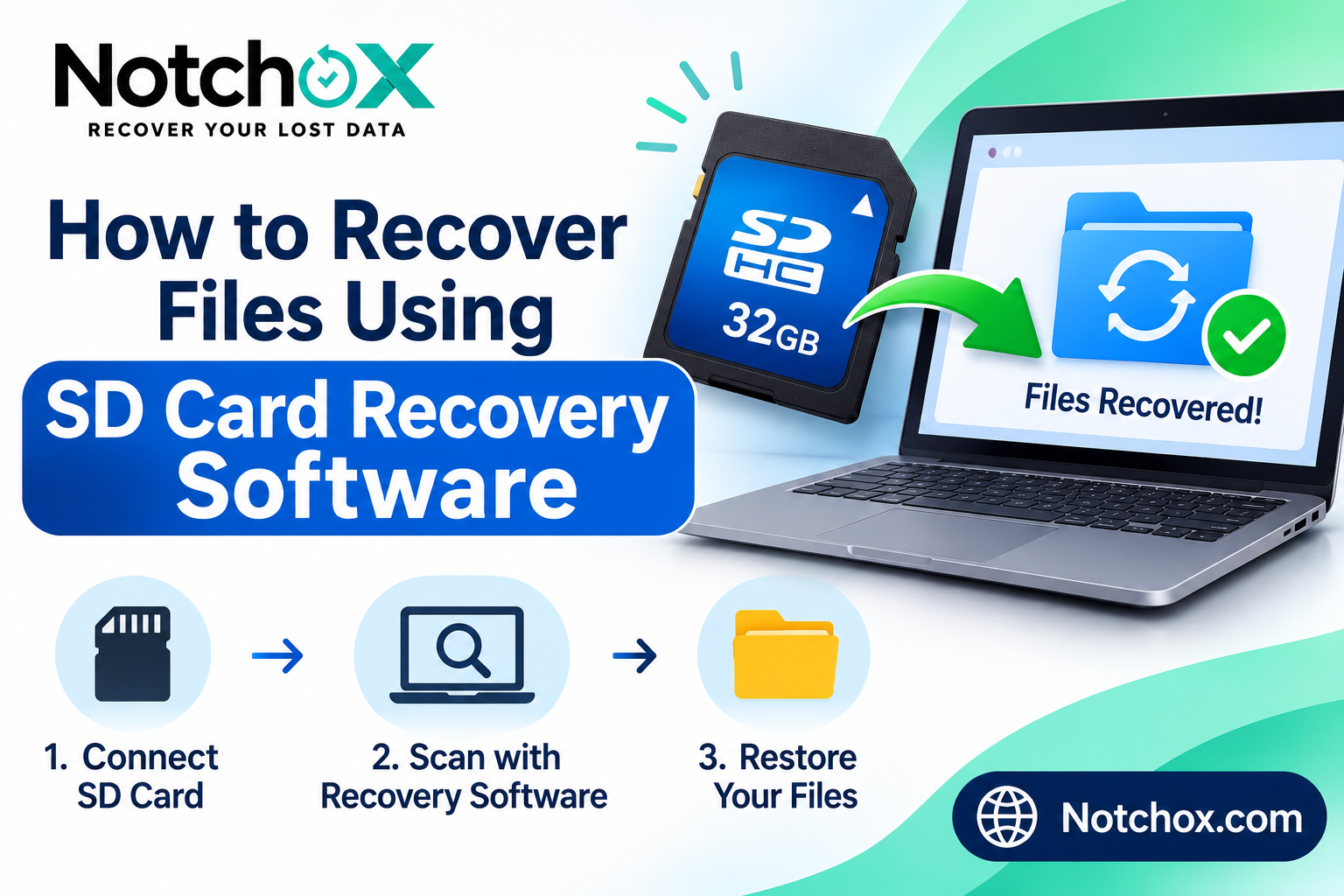
SD cards are used to store photos, videos, and files on devices such as cameras, cell phones, and drones. Various issues like accidental deletion, formatting, corruption, and others may cause files to disappear. The best solution to recover these files is to use SD Card Recovery Software. In this post, we explain the SD card recovery process and how the software works.
Common Reasons for SD Card Data Loss
Some reasons that cause files to become unavailable include:
-
The SD card may have been accidentally deleted to remove pictures and videos.
-
Formatting the SD card to remove files previously stored on it.
-
Improper removal of the SD card from the device may corrupt the file system and render the files unavailable.
-
Files may also become unavailable due to virus or malware attacks.
-
Bad sectors or other errors in the memory card may also make files unavailable.
How to Use SD Card Recovery Software
First, you should stop using the SD card. Take new pictures or videos or remove old files from the SD card. New data may overwrite the missing files and make recovery impossible.
The general recovery process is as follows:
-
Remove the SD card from your device.
-
Connect the SD card to your computer using a card reader.
-
Install and open a trusted SD card data recovery software on your computer, NOT on the card in question. Select the SD card for the scan and wait for the results. Preview the files if the software allows it.
-
Select the SD card for the scan and wait for the results.
-
Preview the files if the software allows it.
-
Choose the files to recover and save them to your computer or other storage device.
Do not save recovered files to the SD card.
Can You Recover Data From a Formatted SD Card?
Yes, it may be possible to recover data after a quick format since the old data may not have been overwritten. However, recovery is not assured. Do not format the card again, and do not write new data to the card, before attempting a recovery.
What Should You Do if Your SD Card is Not Detected?
If your computer does not recognize your memory card, try the following:
-
Try using the card reader with a different USB port.
-
Use a different card reader.
-
Check Disk Management in Windows or Disk Utility on Mac.
-
Avoid formatting or initializing the card if there is important data on it.
If the card is damaged physically, has an incorrect capacity, or is unreliable and constantly disconnecting from the computer, then data recovery software may not resolve the issue.
Use Notchox for SD Card Data Recovery
Notchox data recovery software can be used on both Windows and macOS to recover deleted files on supported SD cards. Notchox may be able to scan the SD card and recover photos, videos, and other files. The results of a file recovery application depend on the condition of the card and whether the lost data has been overwritten.
Final Thoughts
Losing important files on an SD card can be infuriating. Recovery of the files is possible as long as they have not been overwritten. Using the SD card in the meantime can overwrite the deleted files, making recovery impossible. Use of the card should also be discontinued until the files on the card have been recovered. The data should also be saved to a different location. Notchox may be worth considering for Windows and macOS. If your SD card has sustained physical damage, try a different recovery software, but if the card has very serious physical damage, contact a professional for data recovery before attempting to use software yourself.

 English
 Arabic
 French
 Spanish
 Portuguese
 Turkish
 Dutch
 Italiano
 Russian
 Romaian
 Portuguese (Brazil)
 Greek
