


How to Create a Comfortable Gaming Setup Using a Television
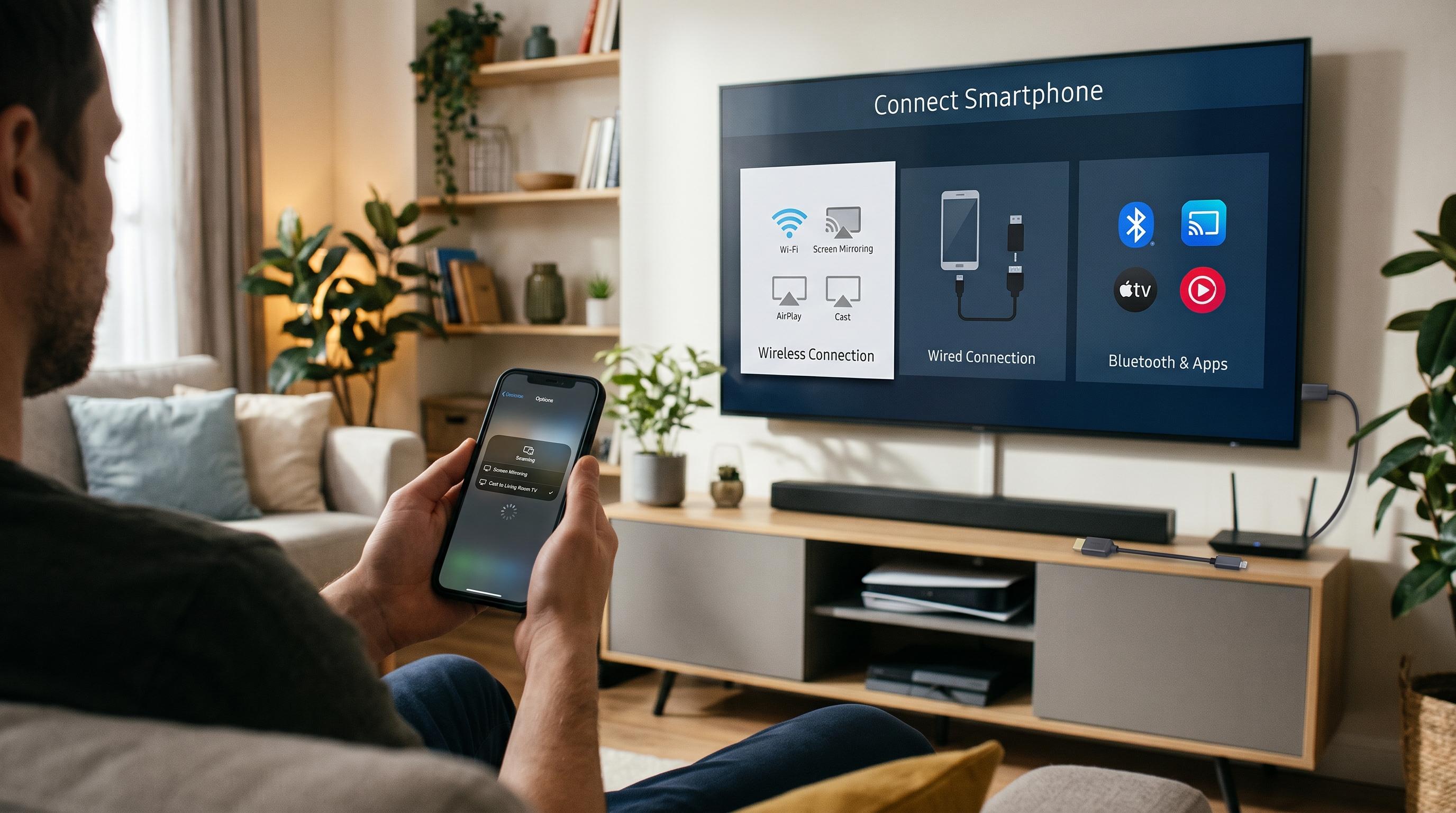
Gaming at home becomes more enjoyable when you have a comfortable environment and the right equipment. While many gamers prefer traditional computer monitors, a modern television can also provide an excellent gaming display. With the right adjustments, you can create a practical TV gaming setup that offers an immersive viewing experience, comfortable seating, and convenient access to your favorite games.
Whether you enjoy console gaming or PC gaming, a television can be a useful option for building an entertainment space. However, selecting the right TV and arranging your gaming area properly are important for comfort and performance.
Choose the Right Television for Gaming
The first step is selecting a television that meets your gaming requirements. Modern TVs offer different screen sizes, resolutions, refresh rates, and display technologies.
A 4K television can provide sharp images and detailed graphics, while a higher refresh rate can make supported games appear smoother. If you enjoy fast-paced games, consider a TV with a 120Hz refresh rate and HDMI 2.1 support.
You should also check whether the television includes gaming features such as Auto Low Latency Mode (ALLM) and Variable Refresh Rate (VRR). These features can help improve responsiveness and reduce screen tearing when supported by your gaming device.
Find the Ideal Screen Size
Screen size plays an important role in creating a comfortable gaming environment. A larger television can make games feel more immersive, but choosing an excessively large screen for a small room may cause discomfort.
Consider the available space and your usual viewing distance before selecting a TV.
For smaller rooms, a 32-inch to 43-inch television may be suitable. Medium-sized rooms can accommodate larger displays, while spacious entertainment areas may benefit from 55-inch or bigger screens.
The goal is to enjoy clear visuals without constantly moving your eyes or head to follow the action.
Position Your Television at a Comfortable Height
Proper television placement can help reduce neck and eye strain during longer gaming sessions.
Ideally, position the center of the screen close to your natural eye level when sitting comfortably. Avoid placing the television too high, as constantly looking upward can cause neck discomfort.
If you use a wall-mounted TV, choose a suitable mounting height and viewing angle. A stable TV stand is another practical option, especially if you frequently adjust your gaming area.
Make sure the screen is positioned directly in front of your seating area for comfortable viewing.
Select a Comfortable Gaming Chair or Sofa
Seating is just as important as display quality. Uncomfortable furniture can make long gaming sessions tiring and affect your overall experience.
Choose a chair or sofa that provides proper back support. Your feet should rest comfortably on the floor, and your shoulders should remain relaxed while holding a controller.
If you prefer PC gaming on a television, consider a chair and desk arrangement that allows you to use a keyboard and mouse without stretching your arms.
Adding cushions or a footrest can also improve comfort.
Improve Your Room Lighting
Lighting can make a noticeable difference in your gaming experience. Excessive brightness or reflections on the television screen can make it difficult to see details.
Avoid placing your television directly opposite bright windows or strong light sources. Use curtains or blinds to control natural light during daytime gaming.
Soft ambient lighting can create a pleasant atmosphere without producing distracting glare. LED lighting behind the television is another popular option for adding visual appeal to a gaming area.
However, keep the room sufficiently illuminated to avoid unnecessary eye strain.
Arrange Your Gaming Accessories Properly
A well-organized gaming space makes it easier to access your equipment and keeps the area looking neat.
Depending on your gaming preferences, useful accessories may include:
-
Wireless or wired gaming controllers.
-
A comfortable gaming headset.
-
A keyboard and mouse for PC gaming.
-
A suitable charging station.
-
A TV stand or wall mount.
-
Cable management clips and organizers.
Keep frequently used accessories within easy reach. Organizing cables behind the television and gaming console can also prevent clutter and make cleaning easier.
Optimize Your Television's Picture and Gaming Settings
Many modern televisions include dedicated picture settings designed for gaming. Activating Game Mode is one of the most useful adjustments because it can reduce input lag.
You can also adjust brightness, contrast, sharpness, and color settings according to your room lighting and personal preferences.
If your television supports HDR, check whether your gaming console or PC also supports it. Properly configured HDR can improve brightness, contrast, and color details in compatible games.
Remember that the best settings depend on your television model and the games you play.
Consider Sound Quality for a Better Experience
Audio is another important part of an enjoyable gaming setup. Clear sound helps you hear dialogue, background details, and important in-game effects.
If your television's built-in speakers do not provide sufficient audio quality, consider using external speakers, a soundbar, or a compatible gaming headset.
A headset can be particularly useful for multiplayer games because it allows you to communicate with teammates while hearing important sounds more clearly.
Choose an audio solution that suits your room size, gaming habits, and budget.
Keep Your Gaming Area Clean and Organized
A clean gaming environment makes your entertainment space more comfortable and practical. Dust can collect around televisions, consoles, and other electronic equipment, so regular cleaning is important.
Keep ventilation areas clear to prevent gaming devices from overheating. Avoid placing consoles inside tightly enclosed spaces without proper airflow.
Use cable organizers to keep wires arranged safely and make sure drinks and other liquids remain away from electronic equipment.
A tidy environment also makes it easier to maintain your television and gaming accessories.
Conclusion
Creating a comfortable gaming setup using a television involves more than simply connecting a gaming console or computer. Choosing the right screen, arranging comfortable seating, optimizing picture settings, improving lighting, and organizing accessories can make a significant difference.
With thoughtful planning, a television can become an excellent gaming display for both casual and dedicated players. Focus on comfort, compatibility, and performance to build an entertainment space that makes every gaming session more enjoyable.

 English
 Arabic
 French
 Spanish
 Portuguese
 Deutsch
 Dutch
 Italiano
 Russian
 Romaian
 Portuguese (Brazil)
 Greek
